Network data (requires networkx)#
See also: https://networkx.org/documentation/stable/index.html
See also: https://networkx.org/documentation/stable/auto_examples/drawing/index.html
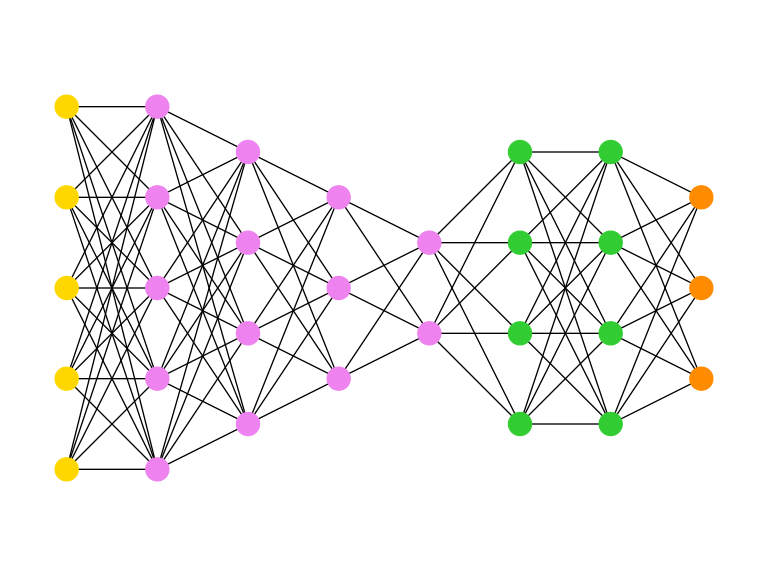
Multipartite_Layout#
The Python code for the example below can be found online in the DataXlCalcNet repository or in the corresponding local DataXlCalcNet folder in the file D01_MultipartiteLayout.py, and the XML code in the file D01_Multipartite.2D.xml.
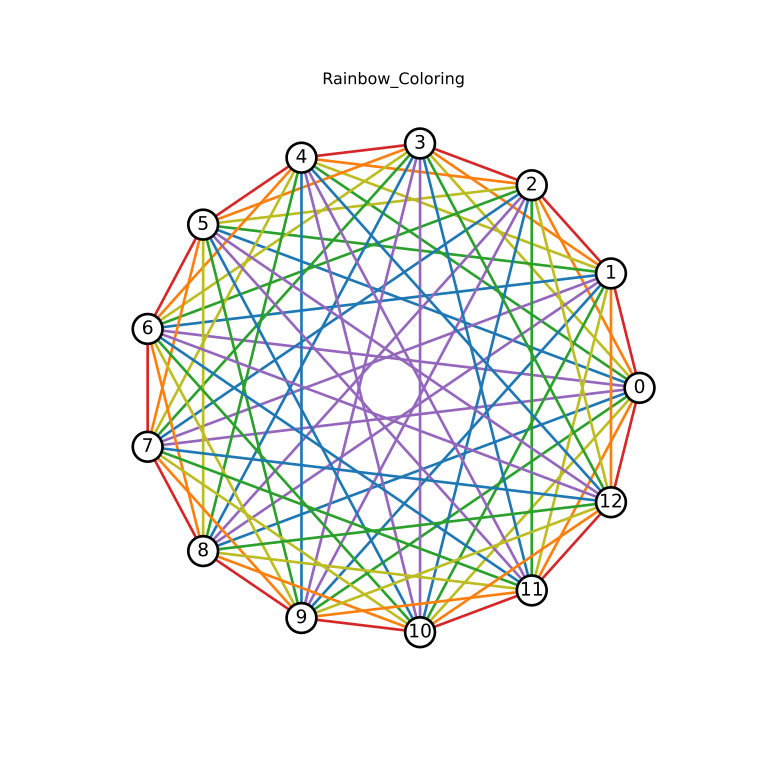
Rainbow_Coloring#
The Python code for the example below can be found online in the DataXlCalcNet repository or in the corresponding local DataXlCalcNet folder in the file D02_RainbowColoring.py, and the XML code in the file D02_RainbowColoring.2D.xml.
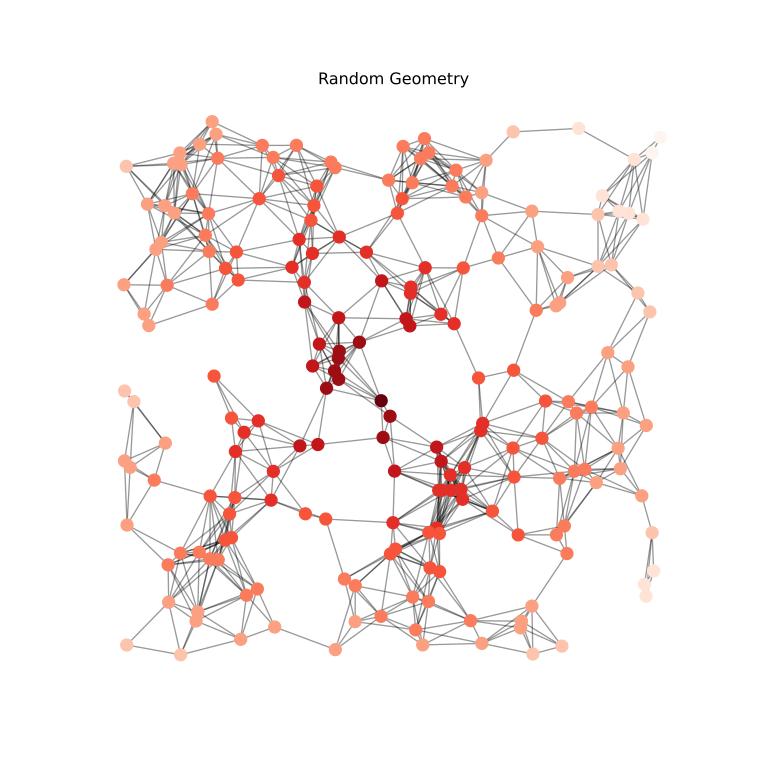
Random_Geometry#
The Python code for the example below can be found online in the DataXlCalcNet repository or in the corresponding local DataXlCalcNet folder in the file D03_RandomGeometric.py, and the XML code in the file D03_RandomGeometric.2D.xml.
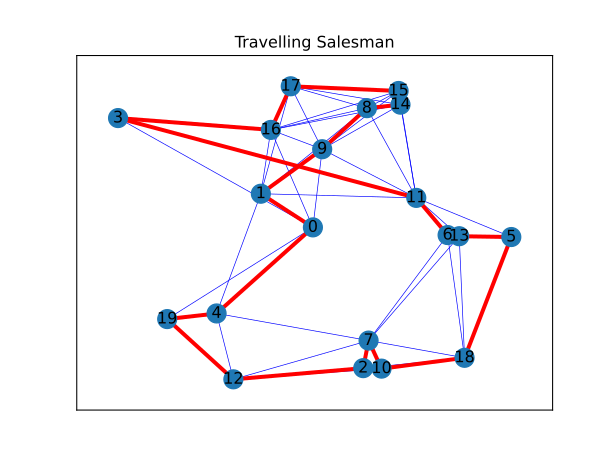
Travelling_Salesman#
The Python code for the example below can be found online in the DataXlCalcNet repository or in the corresponding local DataXlCalcNet folder in the file D04_TravellingSalesman.py, and the XML code in the file D04_TravellingSalesman.2D.xml.
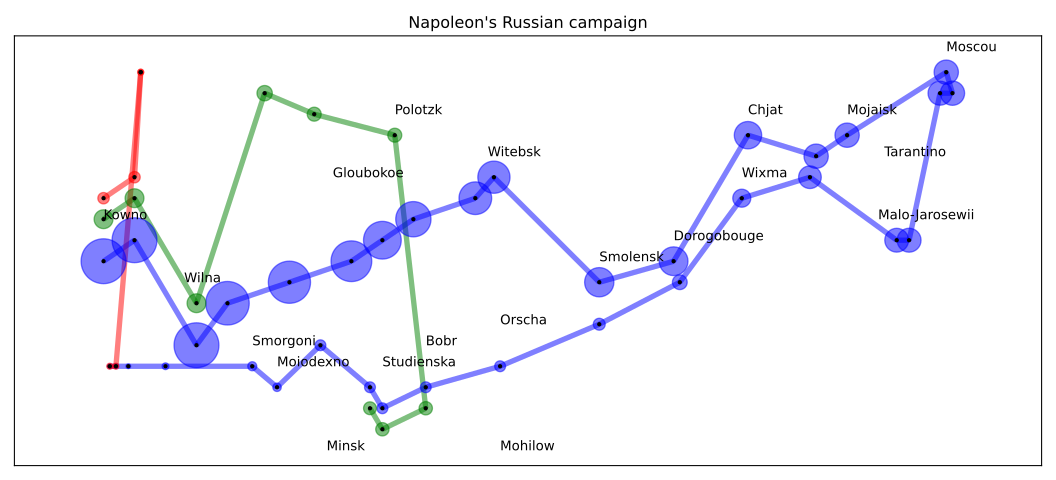
NapoleonRussianCampaign#
The Python code for the example below can be found online in the DataXlCalcNet repository or in the corresponding local DataXlCalcNet folder in the file D05_NapoleonRussianCampaign.py, and the XML code in the file D05_Napoleon.2D.xml.
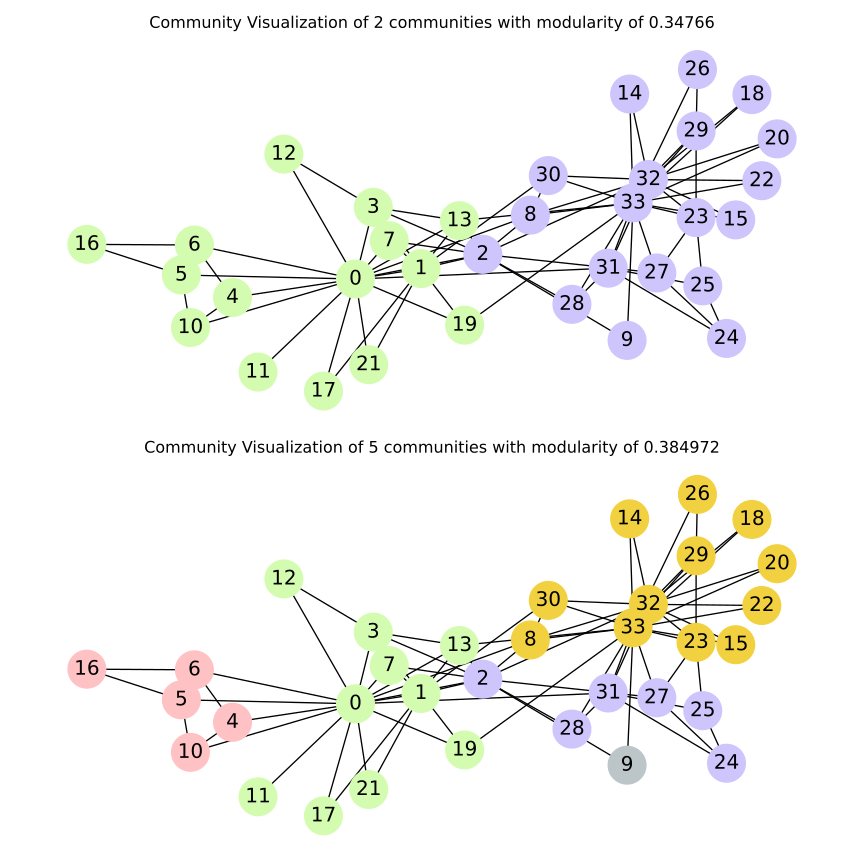
Community Visualisation#
The Python code for the example below can be found online in the DataXlCalcNet repository or in the corresponding local DataXlCalcNet folder in the file D06_CommunityVisualisation.py, and the XML code in the file D06_CommunityVisualisation.2D.xml.
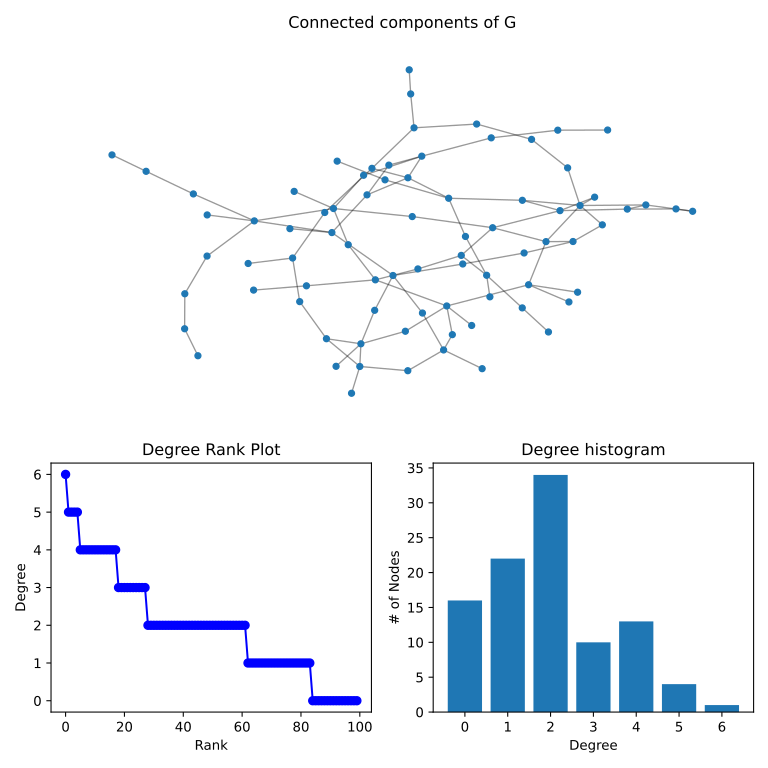
Connected Components#
The Python code for the example below can be found online in the DataXlCalcNet repository or in the corresponding local DataXlCalcNet folder in the file D07_ConnectedComponents.py, and the XML code in the file D07_ConnectedComponents.2D.xml.