Introduction to path surfaces#
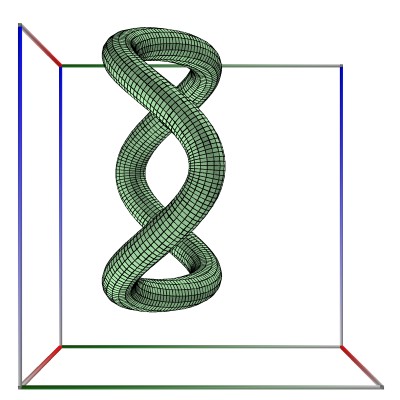
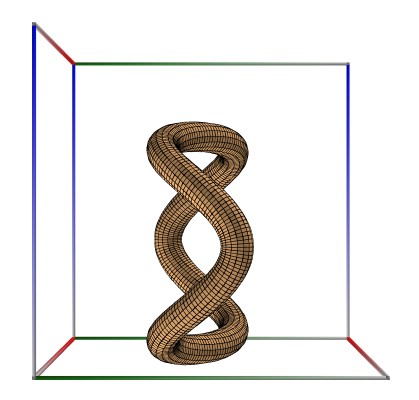
Borromean rings, A, B, C#
The XML code for the example below can be found online in the DataXlCalcNet repository or in the corresponding local DataXlCalcNet folder in the files D01a_Path_BorromeanA.3D.xml (D01a-c).
Some text explaining the importance of building the mesh in x-direction.
The example below uses the following code in C#, for A
var r = Math.Sqrt(3) / 3;
var x = Math.Cos(t);
var y = Math.Sin(t) + r;
var z = Math.Cos(3 * t) / 3;
The example below uses the following code in C#, for B
var r = Math.Sqrt(3) / 3;
var x = Math.Cos(t) + 0.5;
var y = Math.Sin(t) - r / 2;
var z = Math.Cos(3 * t) / 3;
The example below uses the following code in C#, for C
var r = Math.Sqrt(3) / 3;
var x = Math.Cos(t) - 0.5;
var y = Math.Sin(t) - r / 2;
var z = Math.Cos(3 * t) / 3;
 \(\quad\)
  \(\quad\)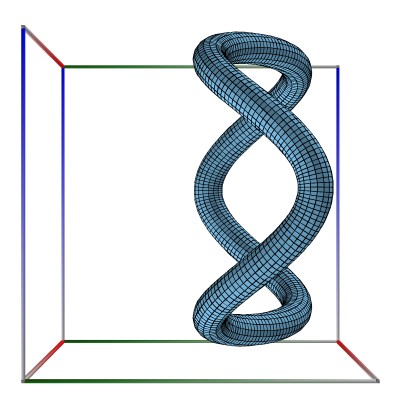
Ellipses, A, B, C#
The XML code for the example below can be found online in the DataXlCalcNet repository or in the corresponding local DataXlCalcNet folder in the files D02a_Path_Ellipses.3D.xml (D01a-i).
Some text explaining the importance of building the mesh in x-direction.
The example below uses the following code in C#, for A, B, C
var x = 2 * Math.Cos(t);
var y = Math.Sin(t);
var z = 0.0;
For A, the final rotations are: X=0, Y=0, Z=0.
For B, the final rotations are: X=90, Y=0, Z=90.
For C, the final rotations are: X=0, Y=90, Z=90.
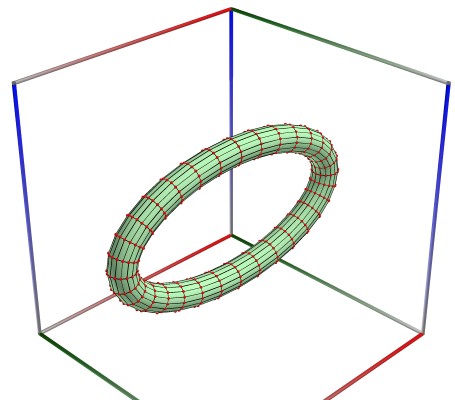 \(\quad\)
 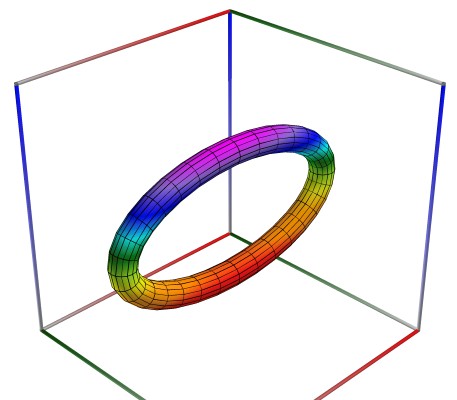 \(\quad\)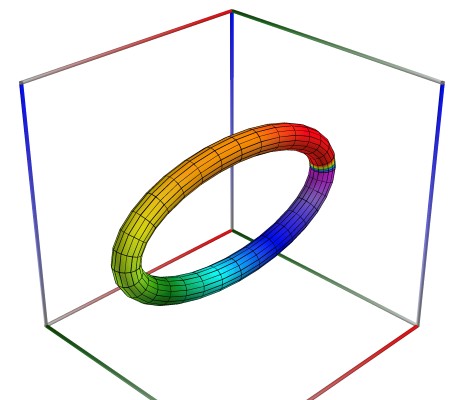
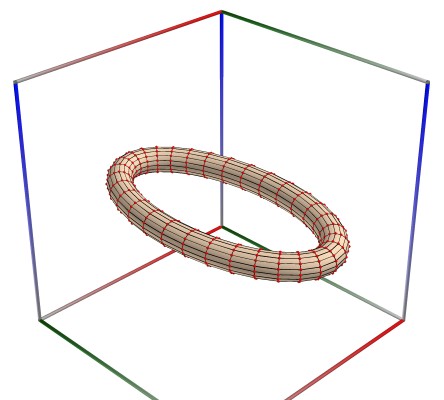 \(\quad\)
 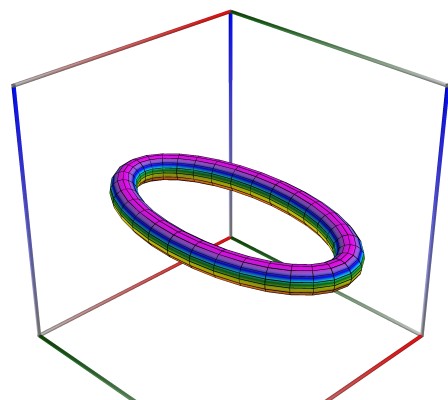 \(\quad\)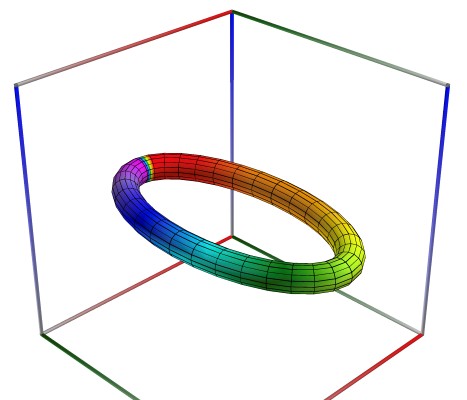
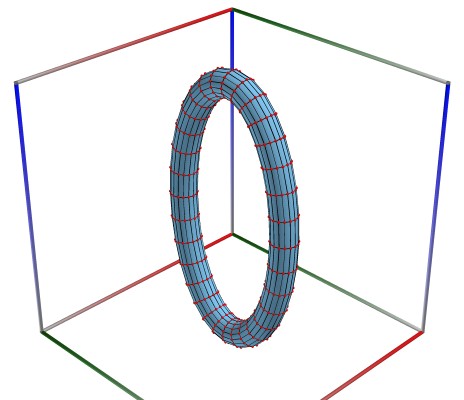 \(\quad\)
 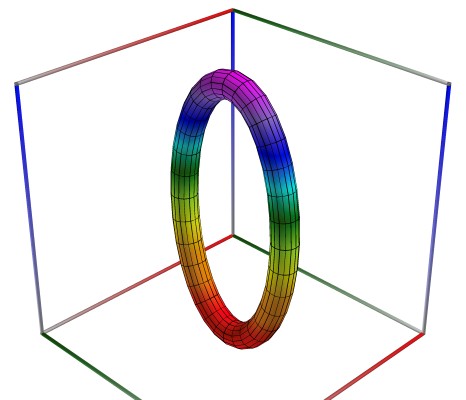 \(\quad\)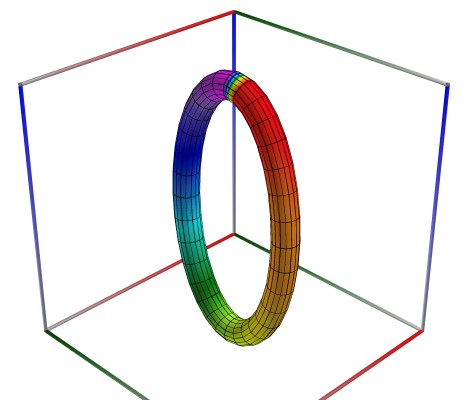
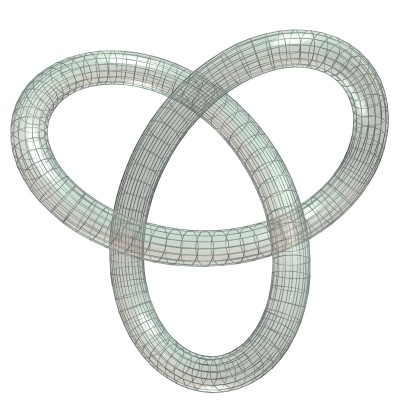
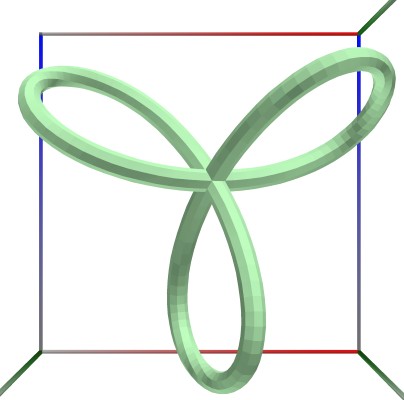
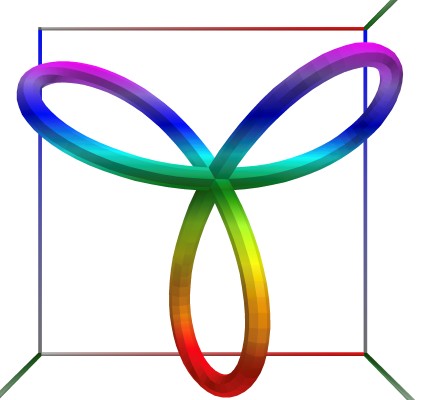
Trefoil 2#
The XML code for the example below can be found online in the DataXlCalcNet repository or in the corresponding local DataXlCalcNet folder in the files D03a_Path_Trefoil02.3D.xml (D01a-c).
Some text explaining the importance of building the mesh in x-direction.
The example below uses the following code in C#, for A, B, C
var D = 2.0; //  D = 1.0;  D = 2.0;
var x = D * Math.Sin(t) + 2 * Math.Sin(2 * t);
var y = D * Math.Cos(t) - 2 * Math.Cos(2 * t);
var z = -D * Math.Sin(3 * t);
 \(\quad\)
  \(\quad\)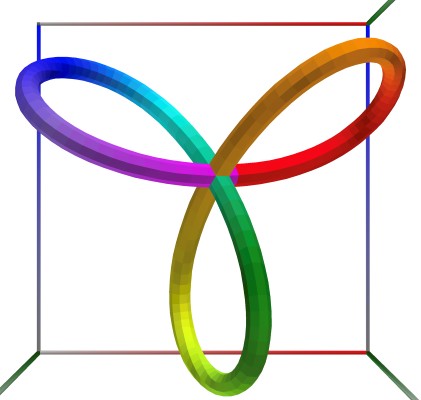
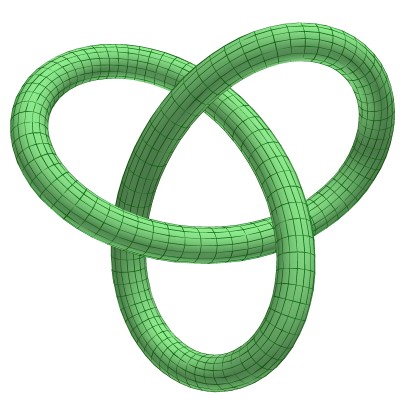
Formatting options for path surfaces, Trefoil 5#
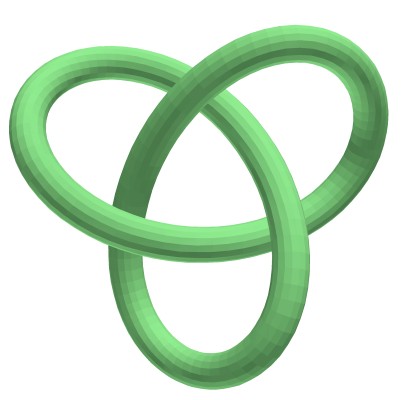
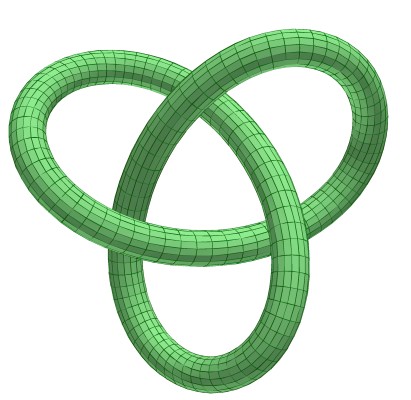
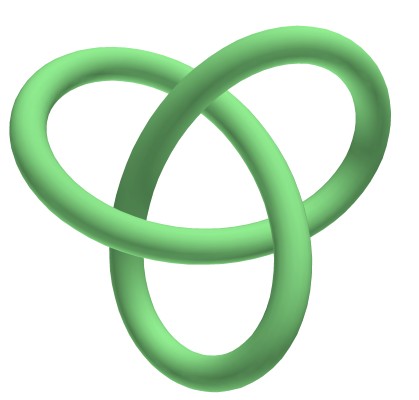
The XML code for the example below can be found online in the DataXlCalcNet repository or in the corresponding local DataXlCalcNet folder in the files D04a_Path_Trefoil05.3D.xml (D01a-f).
These are the rough versions
The example below uses the following code in C#, for A, B, C
var D = 1.0; //  D = 1.0;  D = 2.0;
var x = D * Math.Sin(t) + 2 * Math.Sin(2 * t);
var y = D * Math.Cos(t) - 2 * Math.Cos(2 * t);
var z = -D * Math.Sin(3 * t);
These are the rough versions
 \(\quad\)
  \(\quad\)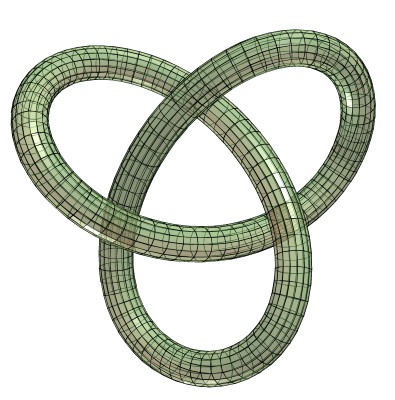
These are the smooth versions
 \(\quad\)
  \(\quad\)