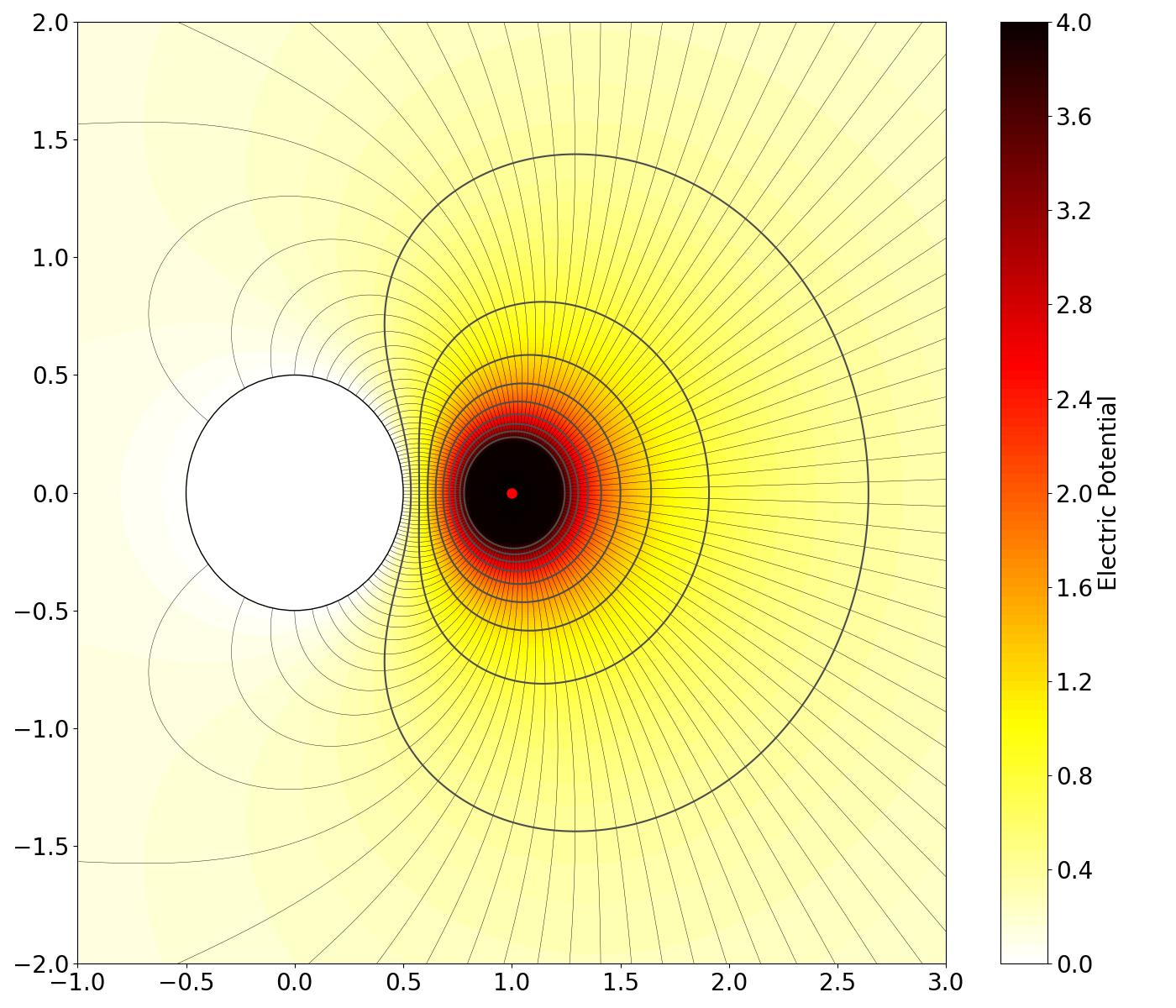
Contours#
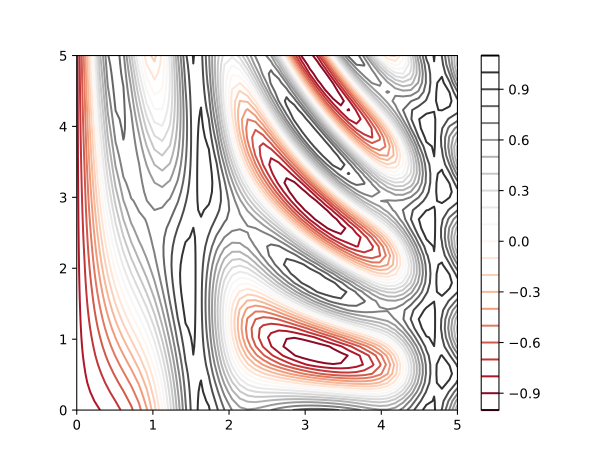
Open Contourplot#
The Python code for the example below can be found online in the DataXlCalcNet repository or in the corresponding local DataXlCalcNet folder in the file D01_ContourOpen.py, and the XML code in the file D01_ContourOpen.2D.xml.
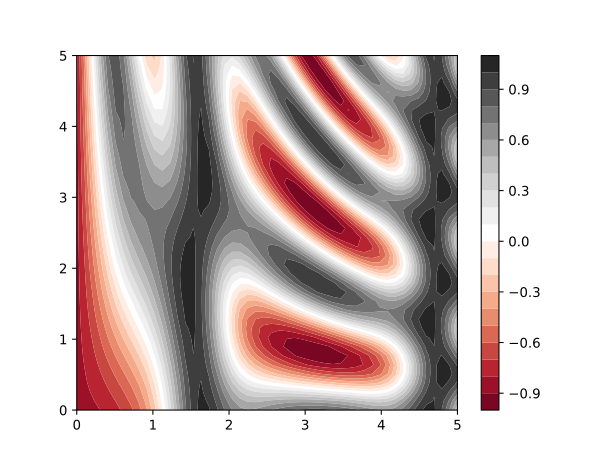
Filled Contourplot#
The Python code for the example below can be found online in the DataXlCalcNet repository or in the corresponding local DataXlCalcNet folder in the file D02_ContourFilled.py, and the XML code in the file D02_ContourFilled.2D.xml.
Electric dipole: field lines and open contours#
The Python code for the example below can be found online in the DataXlCalcNet repository or in the corresponding local DataXlCalcNet folder in the file D03_08_FieldLinesContours.py, and the XML code in the file D03_08_FieldLinesContours.2D.xml.
To produce the figure as shown below, the try-block at the end of the file should look like this:
try:
    if __name__ == '__main__':
        ContourFilled_ = False
        Model_ = 1  # 1, 2, 3, 4
        FieldLinesContours(ContourFilled=ContourFilled_, Model=Model_)
\(\quad\) 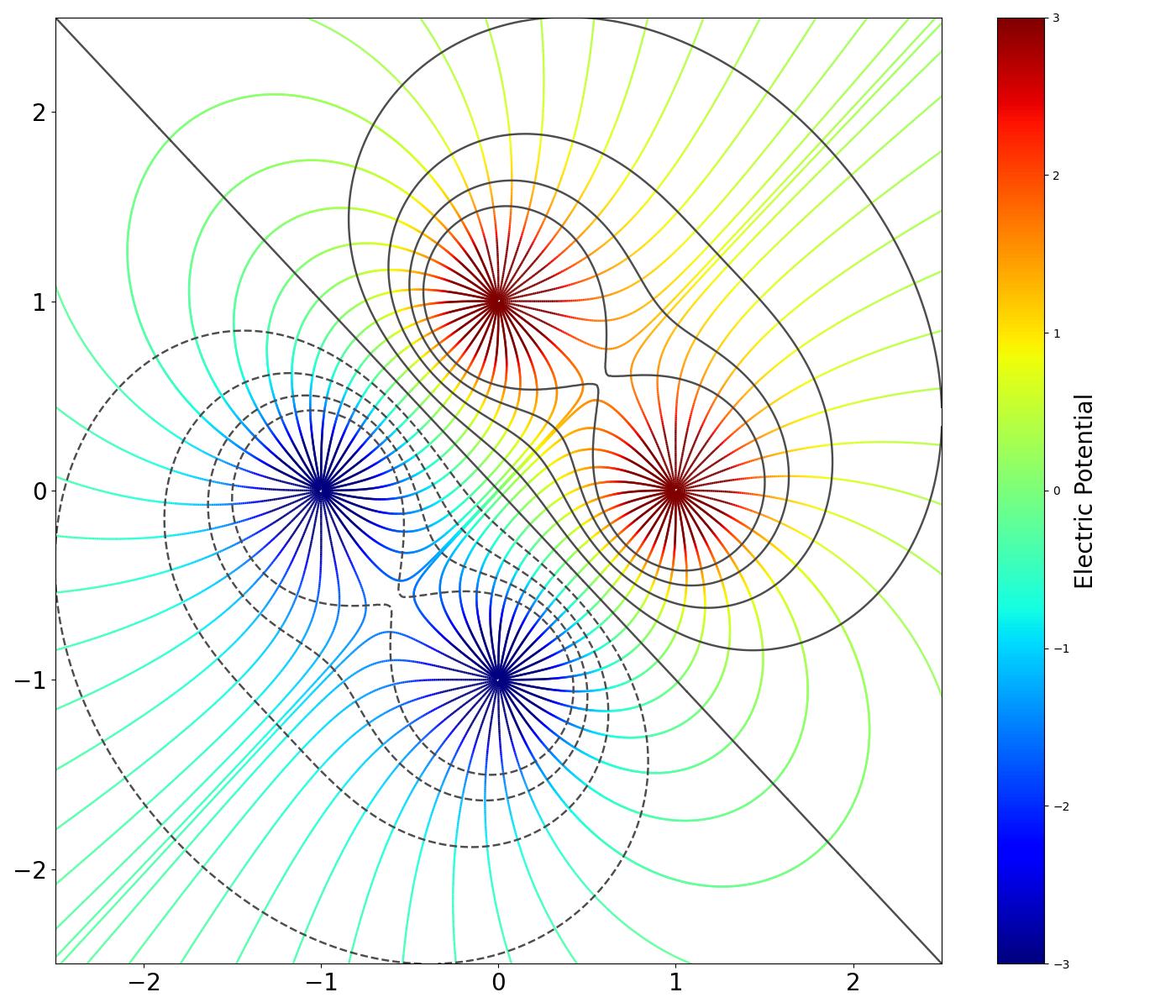
Electric quadrupole: field lines and open contours#
The Python code for the example below can be found online in the DataXlCalcNet repository or in the corresponding local DataXlCalcNet folder in the file D03_08_FieldLinesContours.py, and the XML code in the file D03_08_FieldLinesContours.2D.xml.
To produce the figure as shown below, the try-block at the end of the file should look like this:
try:
    if __name__ == '__main__':
        ContourFilled_ = False
        Model_ = 2  # 1, 2, 3, 4
        FieldLinesContours(ContourFilled=ContourFilled_, Model=Model_)
\(\quad\) 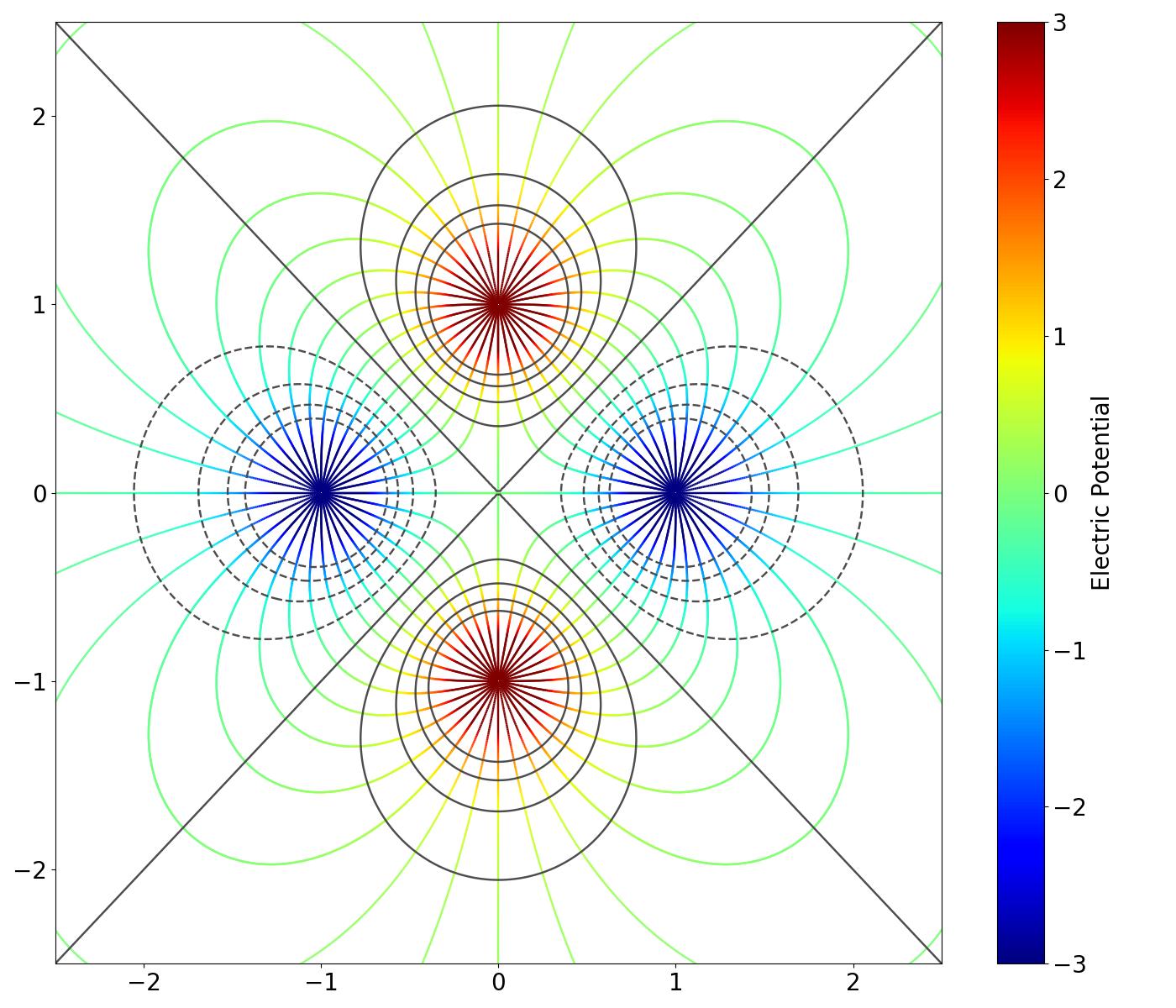
Electric dipoles: field lines and filled contours#
The Python code for the example below can be found online in the DataXlCalcNet repository or in the corresponding local DataXlCalcNet folder in the file D03_08_FieldLinesContours.py, and the XML code in the file D03_08_FieldLinesContours.2D.xml.
To produce the figure as shown below, the try-block at the end of the file should look like this:
try:
    if __name__ == '__main__':
        ContourFilled_ = True
        Model_ = 1  # 1, 2, 3, 4
        FieldLinesContours(ContourFilled=ContourFilled_, Model=Model_)
\(\quad\) 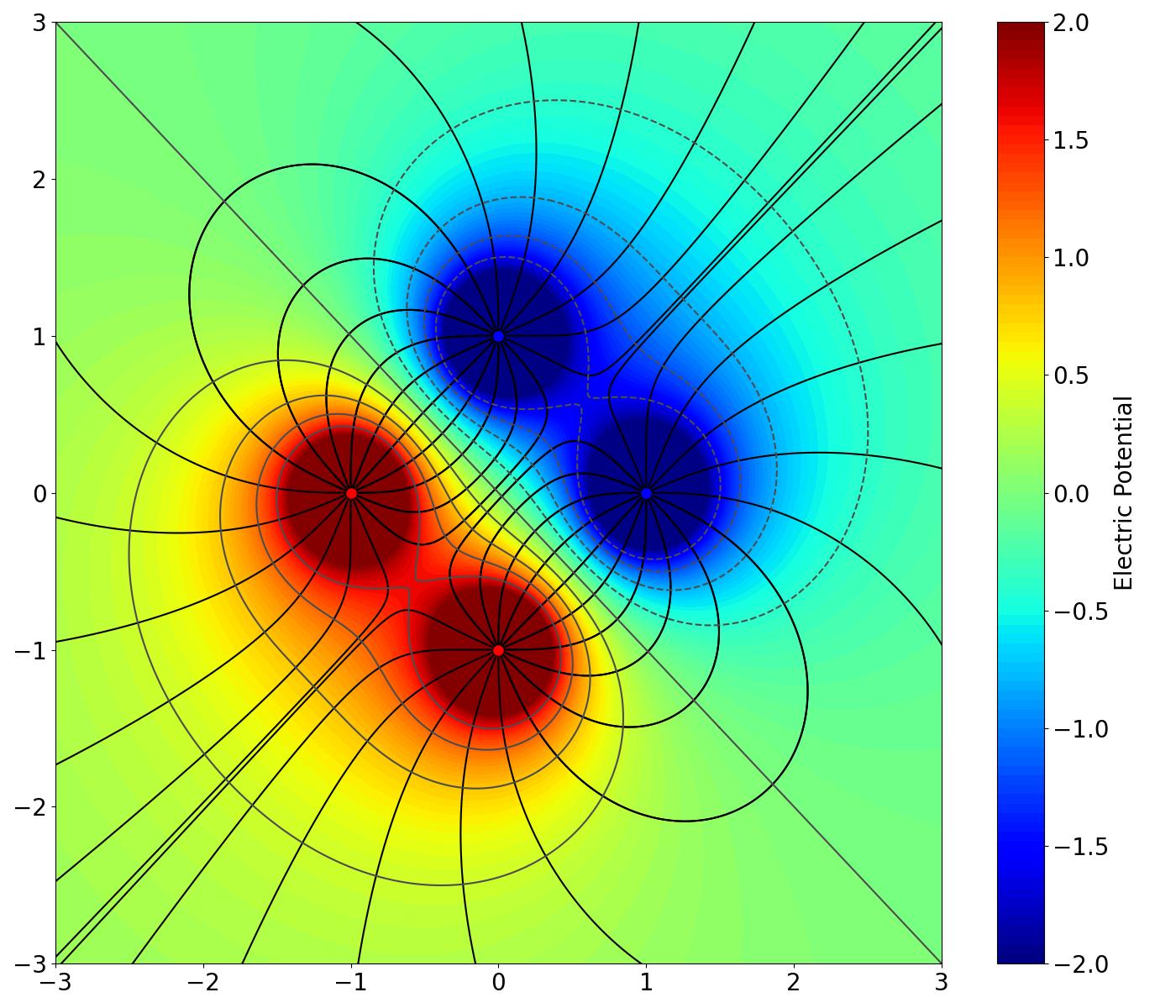
Electric quadrupole: field lines and filled contours#
The Python code for the example below can be found online in the DataXlCalcNet repository or in the corresponding local DataXlCalcNet folder in the file D03_08_FieldLinesContours.py, and the XML code in the file D03_08_FieldLinesContours.2D.xml.
To produce the figure as shown below, the try-block at the end of the file should look like this:
try:
    if __name__ == '__main__':
        ContourFilled_ = True
        Model_ = 2  # 1, 2, 3, 4
        FieldLinesContours(ContourFilled=ContourFilled_, Model=Model_)
\(\quad\) 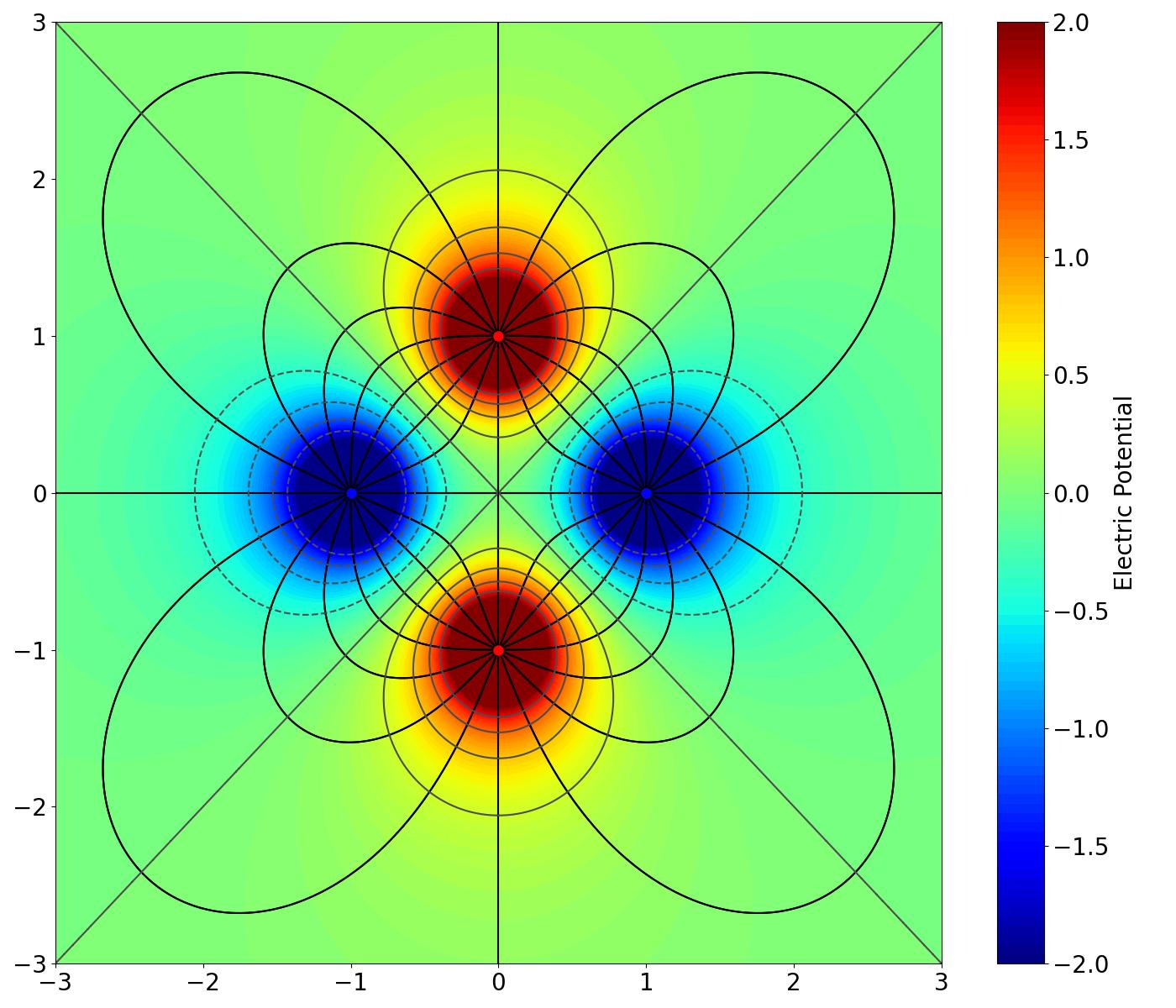
Orthogonal electric dipoles: field lines and filled contours#
The Python code for the example below can be found online in the DataXlCalcNet repository or in the corresponding local DataXlCalcNet folder in the file D03_08_FieldLinesContours.py, and the XML code in the file D03_08_FieldLinesContours.2D.xml.
To produce the figure as shown below, the try-block at the end of the file should look like this:
try:
    if __name__ == '__main__':
        ContourFilled_ = True
        Model_ = 3  # 1, 2, 3, 4
        FieldLinesContours(ContourFilled=ContourFilled_, Model=Model_)
\(\quad\) 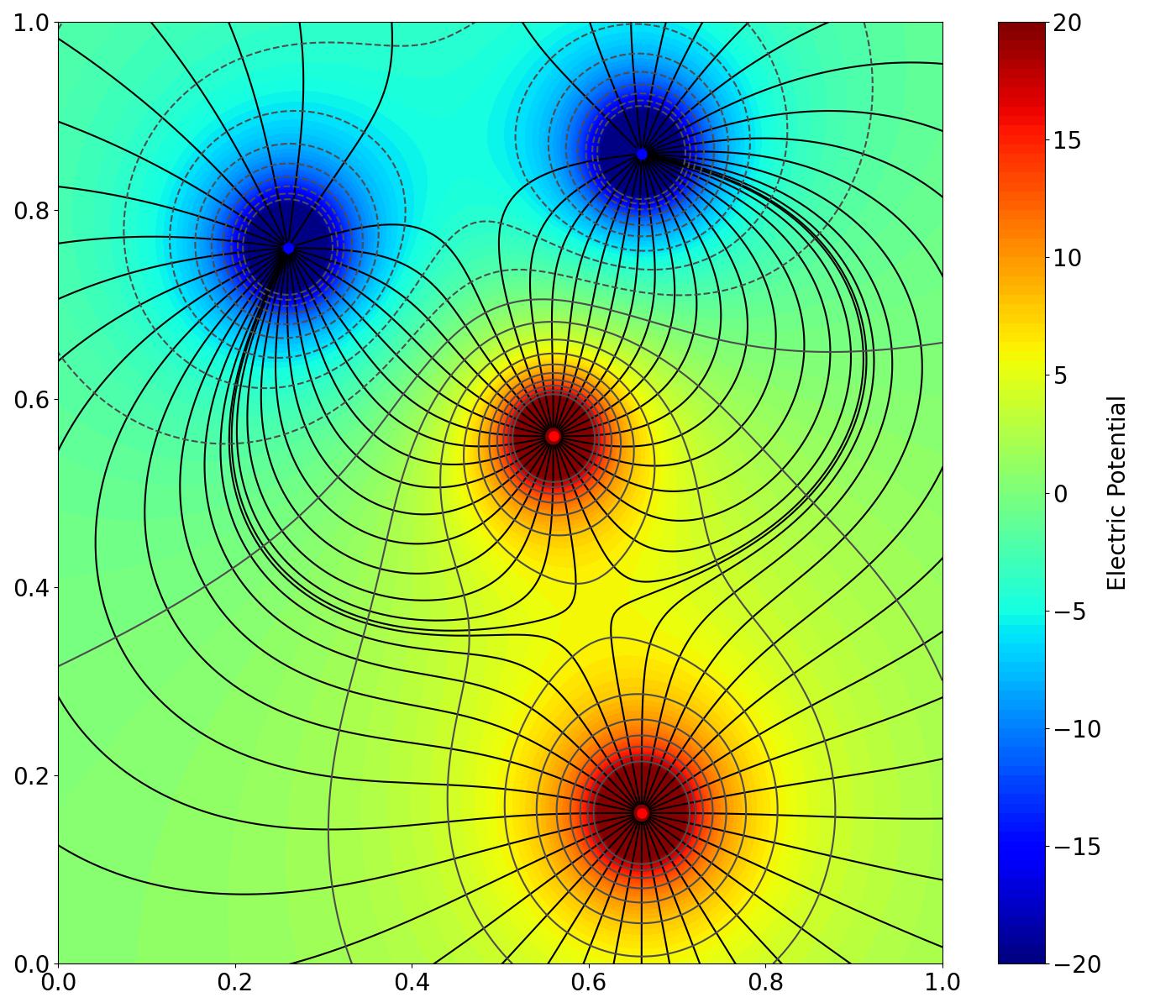
Electric field lines around a point charge with grounded sphere#
The Python code for the example below can be found online in the DataXlCalcNet repository or in the corresponding local DataXlCalcNet folder in the file D03_08_FieldLinesContours.py, and the XML code in the file D03_08_FieldLinesContours.2D.xml.
To produce the figure as shown below, the try-block at the end of the file should look like this:
try:
    if __name__ == '__main__':
        ContourFilled_ = True
        Model_ = 4  # 1, 2, 3, 4
        FieldLinesContours(ContourFilled=ContourFilled_, Model=Model_)
\(\quad\)