Surfaces of revolution: spheres and related#
See also: https://mathworld.wolfram.com/SurfaceofRevolution.html
A surface of revolution is a surface generated by rotating a two-dimensional curve about an axis. The resulting surface therefore always has azimuthal symmetry. Examples of surfaces of revolution include the apple surface, cone (excluding the base), conical frustum (excluding the ends), cylinder (excluding the ends), Darwin-de Sitter spheroid, Gabriel’s horn, hyperboloid, lemon surface, oblate spheroid, paraboloid, prolate spheroid, pseudosphere, sphere, spheroid, and torus (and its generalization, the toroid).
The standard parameterization of a surface of revolution is given by
Prism and cylinder#
See also: http://www.3d-meier.de/tut3/Seite84.html, Cylinder
See also: https://mathworld.wolfram.com/Cylinder.html, Cylinder
 \(\quad\)
  \(\quad\)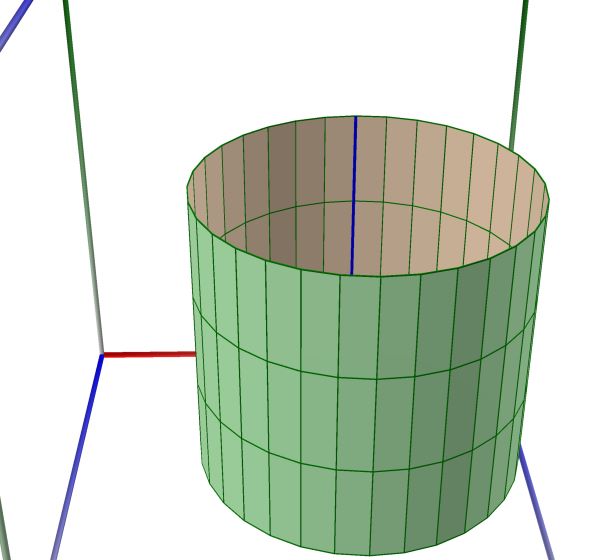
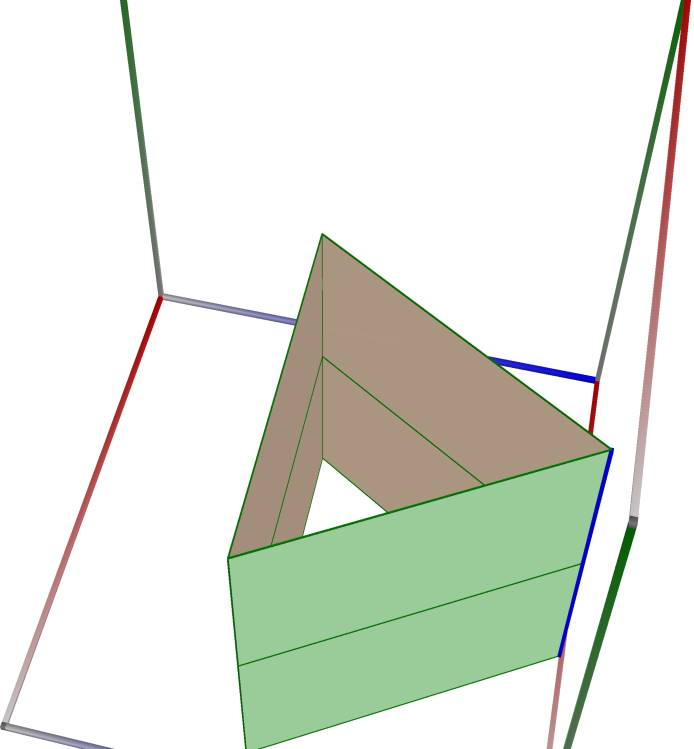
Left figure: Prism3
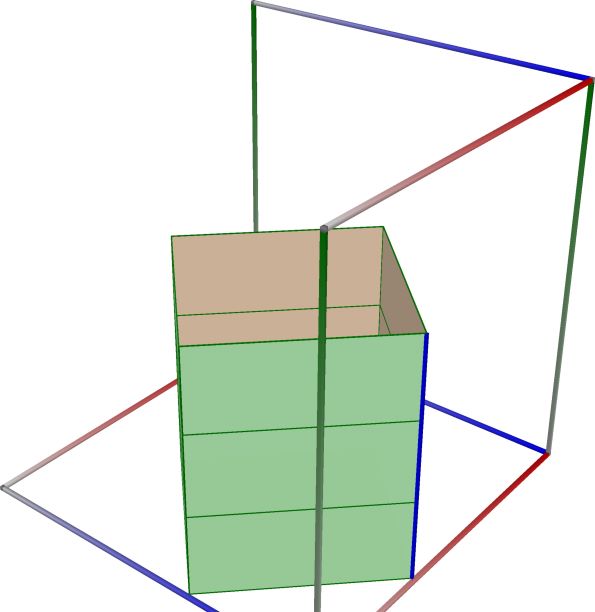
Right figure: Prism4
Right figure: Cylinder
Pyramid and cone#
 \(\quad\)
 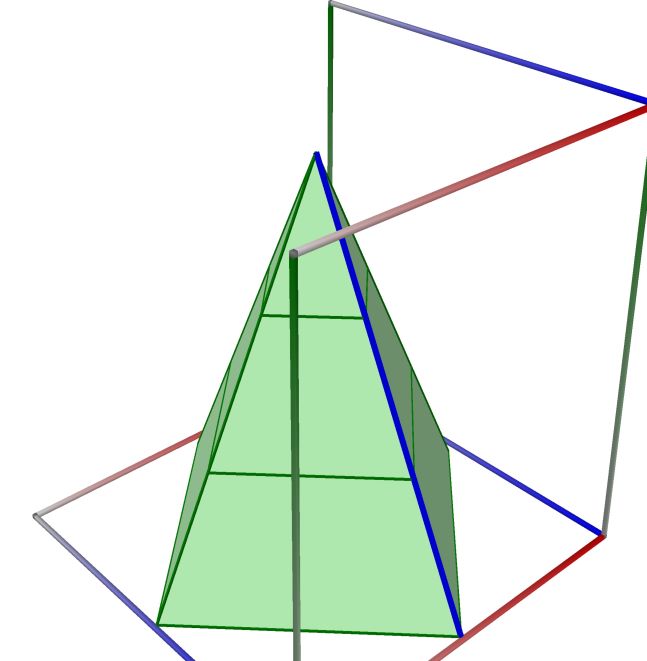 \(\quad\)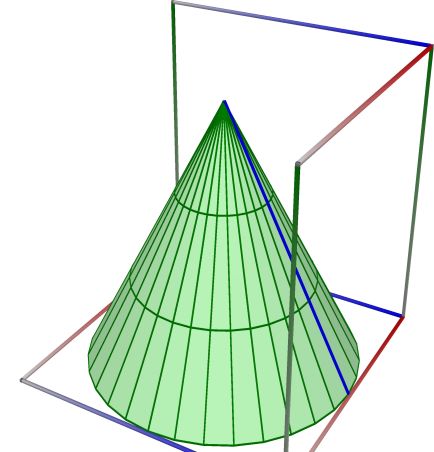
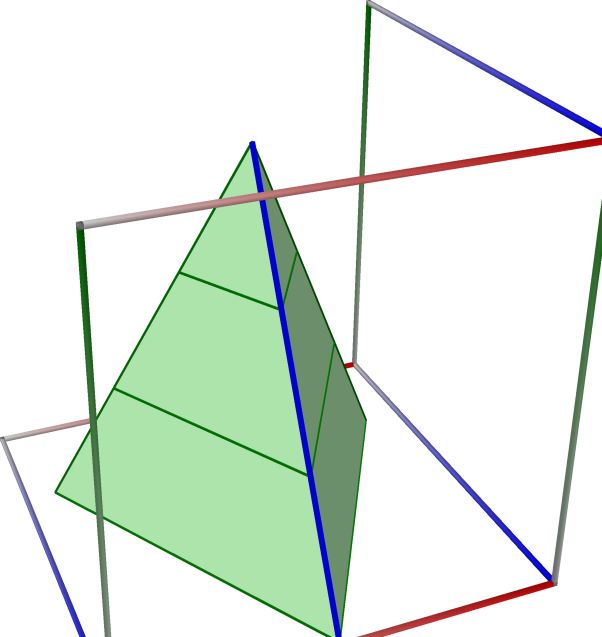
Left figure: Pyramid3
Right figure: Pyramid4
Right figure: Cone
Frustum and cone frustum#
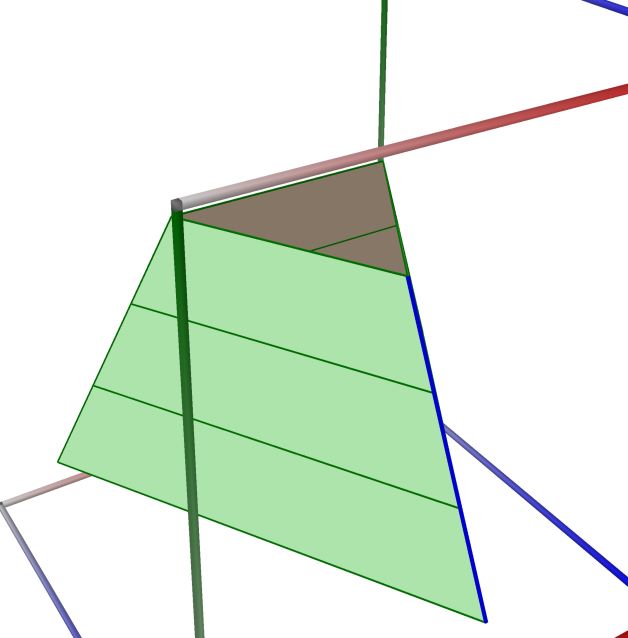 \(\quad\)
 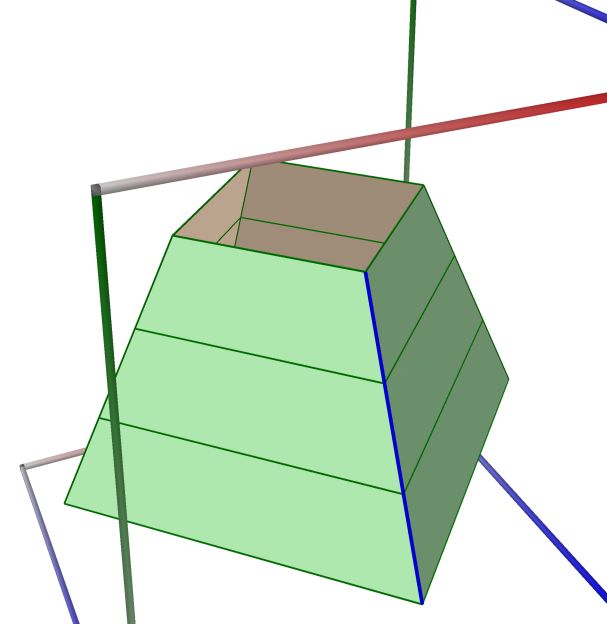 \(\quad\)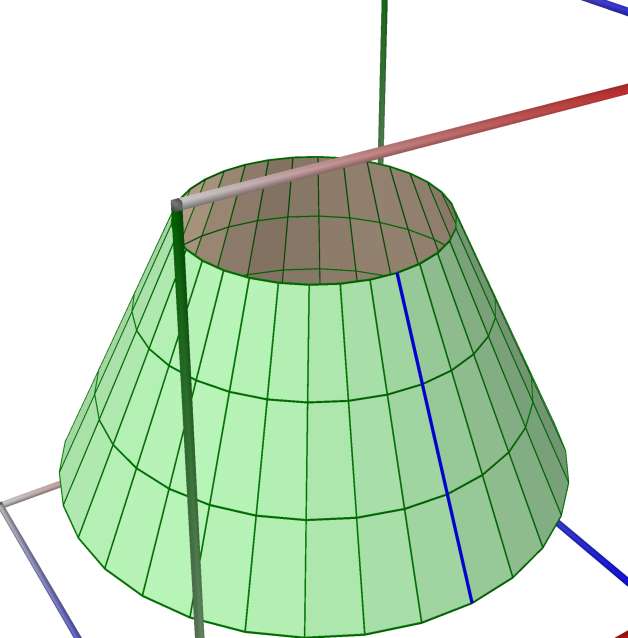
Left figure: Frustum3
Right figure: Frustum4
Right figure: Cone Frustum
Insolator#
See also: http://www.3d-meier.de/tut3/Seite86.html, Insolator
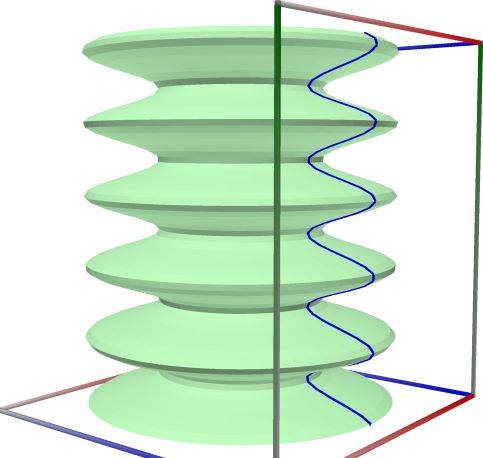
Left figure: Insolator
Gabriels Horn#
See also: https://mathworld.wolfram.com/GabrielsHorn.html
See also Wikipedia [1484], MathWorld [1160].
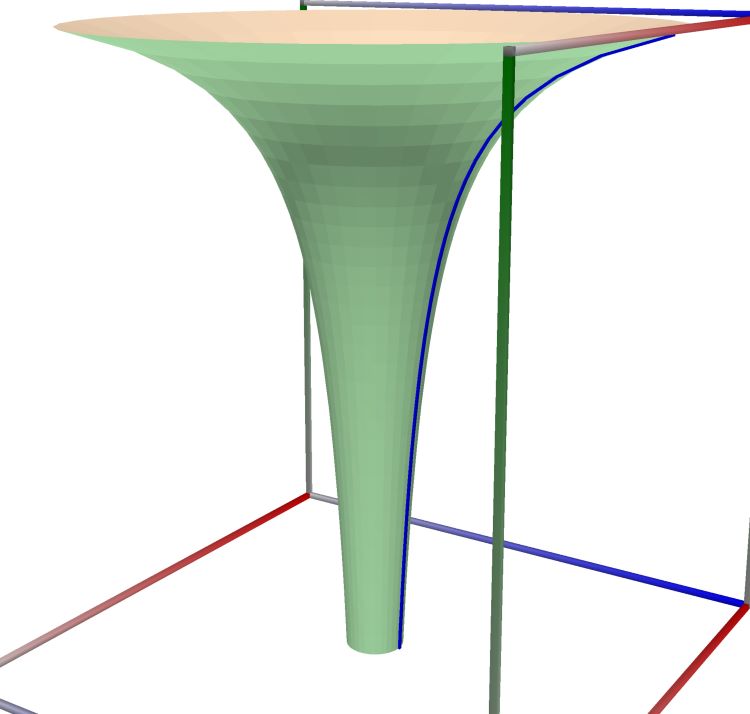
Left figure: Gabriels Horn
Funnel#
// see https://mathworld.wolfram.com/Funnel.html // see http://www.3d-meier.de/tut3/Seite28.html // see http://www.3d-meier.de/tut3/Seite27.html
See also Wikipedia [1484], MathWorld [1160].
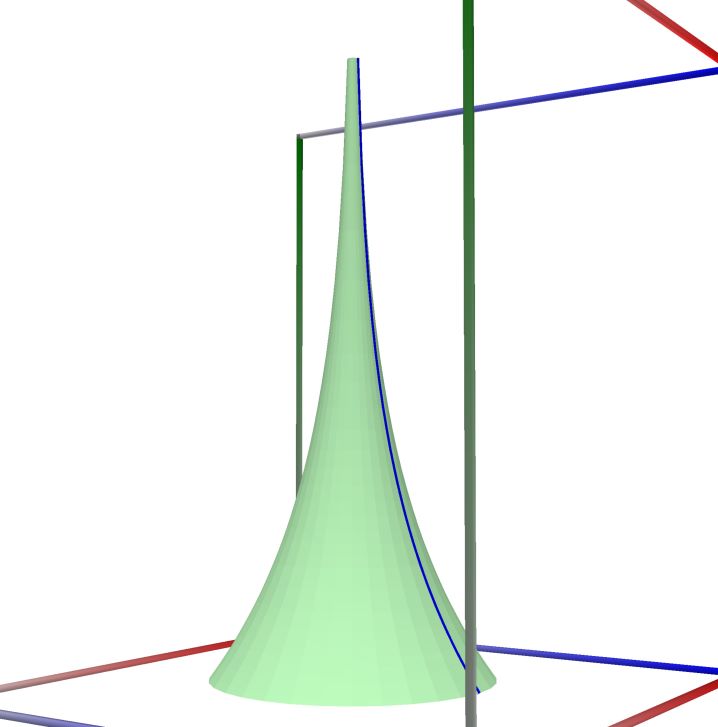
Left figure: Funnel
One-Sheeted Hyperboloid#
See also: https://mathworld.wolfram.com/One-SheetedHyperboloid.html
See also: https://en.wikipedia.org/wiki/Hyperboloid
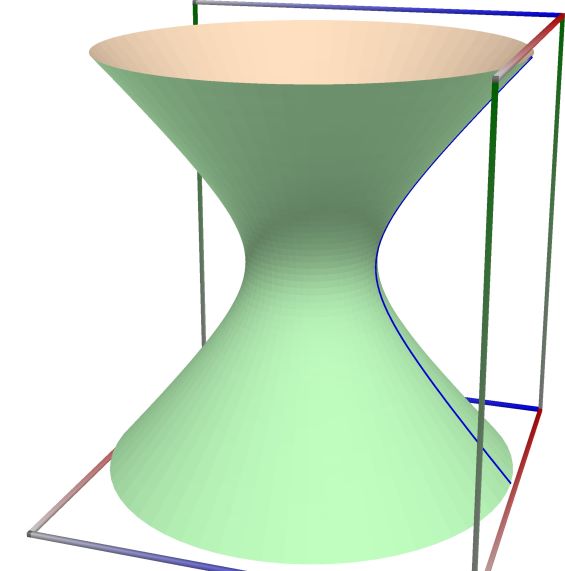
Left figure: One-Sheeted Hyperboloid
Catenoid#
See also: https://mathworld.wolfram.com/Catenoid.html
See also Wikipedia [1484], MathWorld [1160].
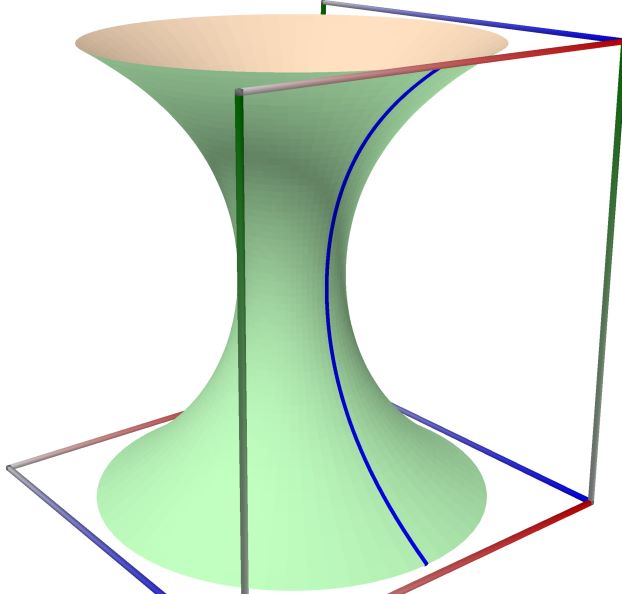
Left figure: Catenoid
Gauss Cylinder#
See also: http://www.3d-meier.de/tut3/Seite157.html Gauss Cylinder
See also Wikipedia [1484], MathWorld [1160].
 \(\quad\)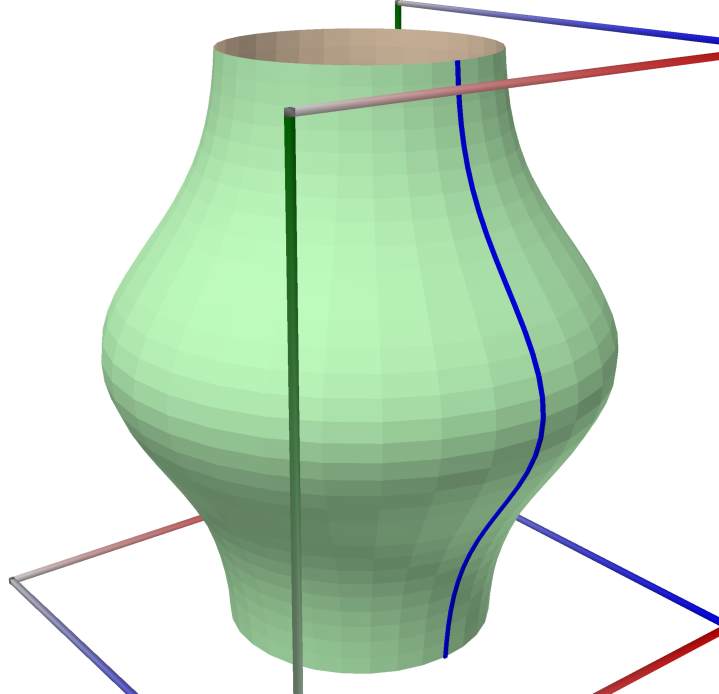
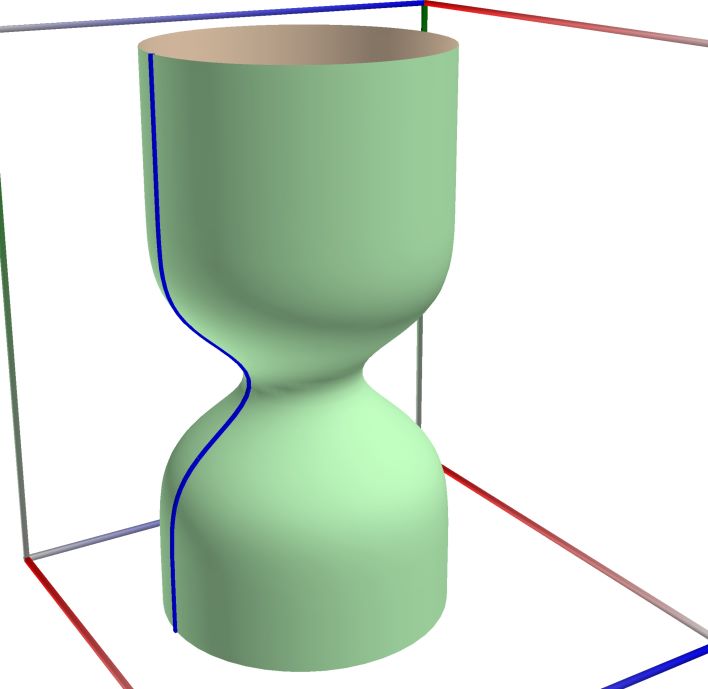
Left figure: Gauss Cylinder
Right figure: Gauss Cylinder
Paraboloid#
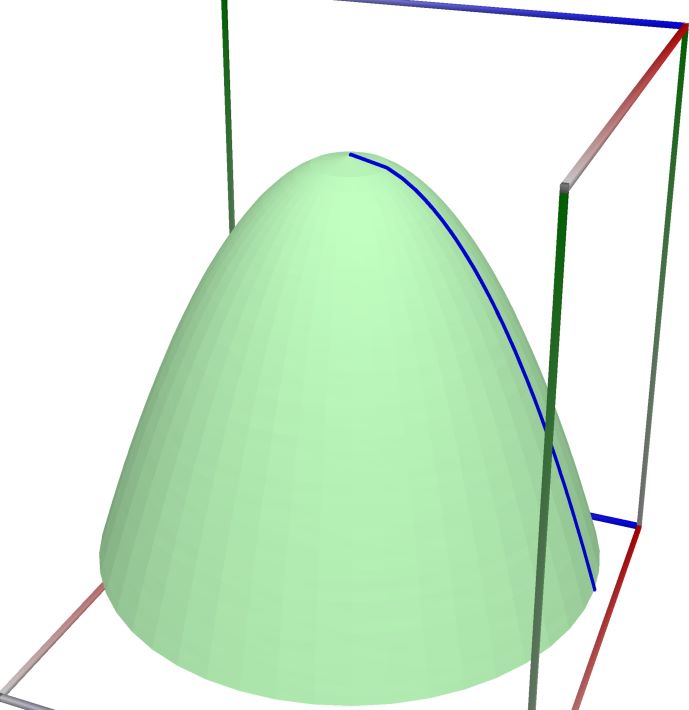
Left figure: Paraboloid
Vase#
 \(\quad\)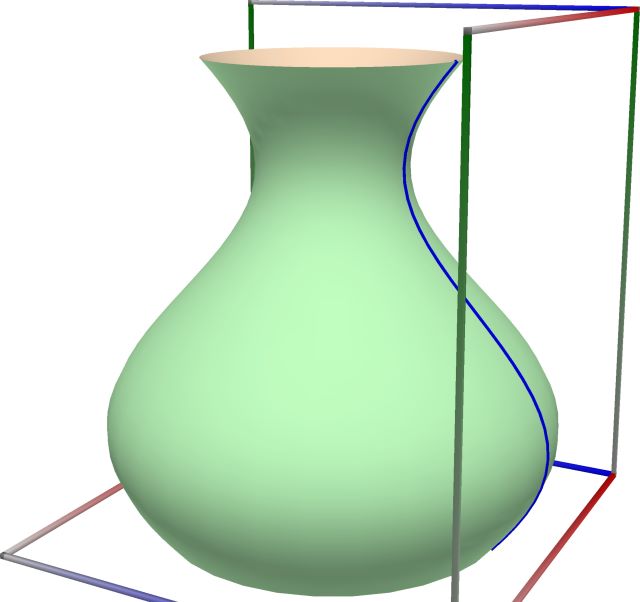
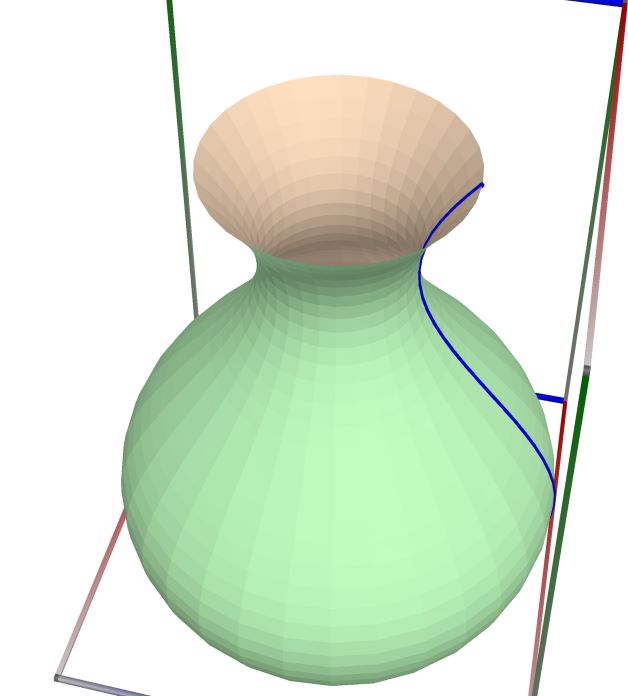
Left figure: Vase
Right figure: Vase
Sphere#
- User.ParametricSphere(a, Resolution, Revolution=true)#
See also: http://www.3d-meier.de/tut3/Seite86.html, Sphere
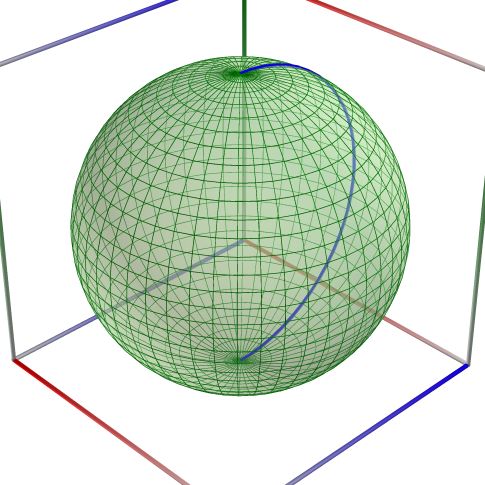
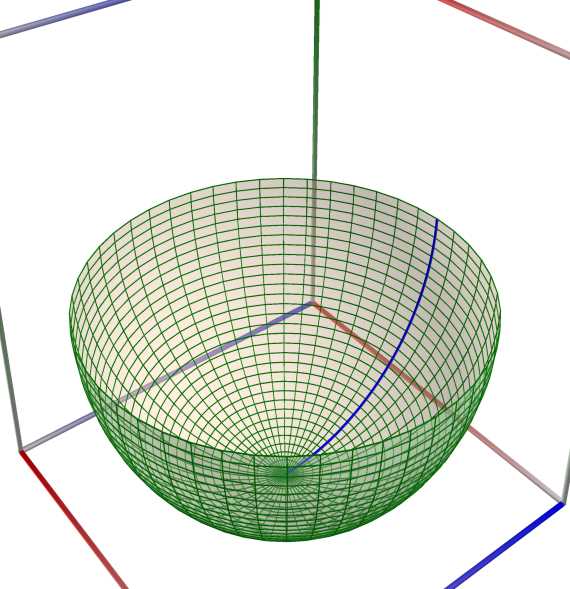
Left figure: Sphere
 \(\quad\)
  \(\quad\)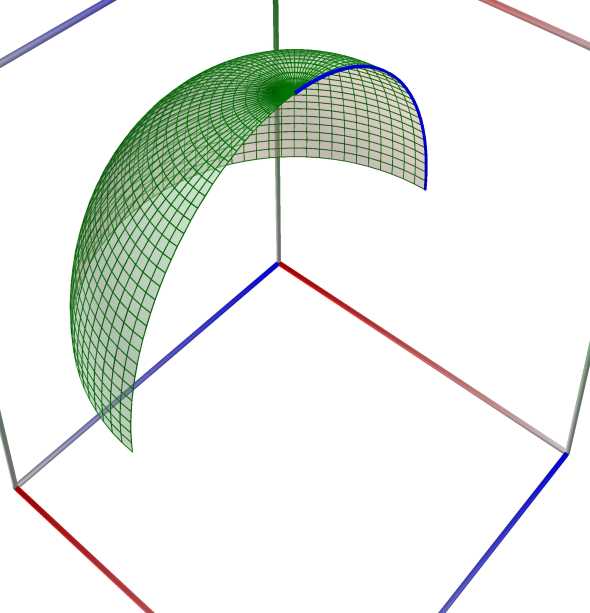
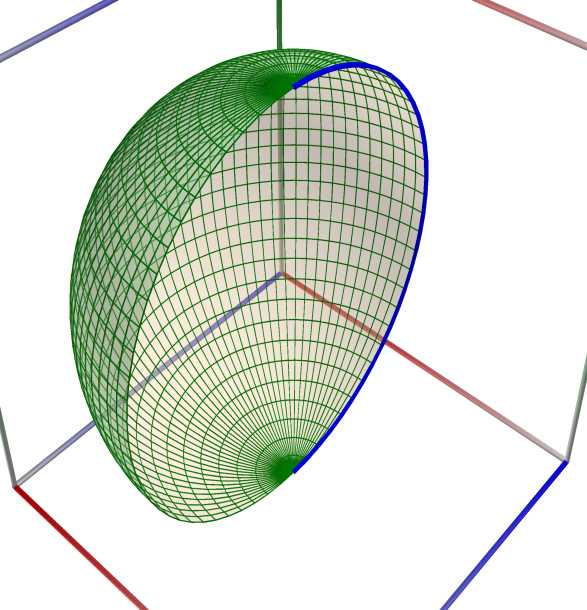
Left figure: Gear torus surface
Middle figure: Gear torus surface
Right figure: Gear torus surface
Prolate Spheroid#
- User.ProlateSpheroid(a, Resolution, Revolution=true)#
See also: http://paulbourke.net/geometry/spherical/ prolate spheroid, or ellipsoid of revolution See also: https://en.wikipedia.org/wiki/Ellipsoid#Parameterization ellipsoid of revolution See also: https://mathworld.wolfram.com/OblateSpheroid.html Oblate Spheroid
 \(\quad\)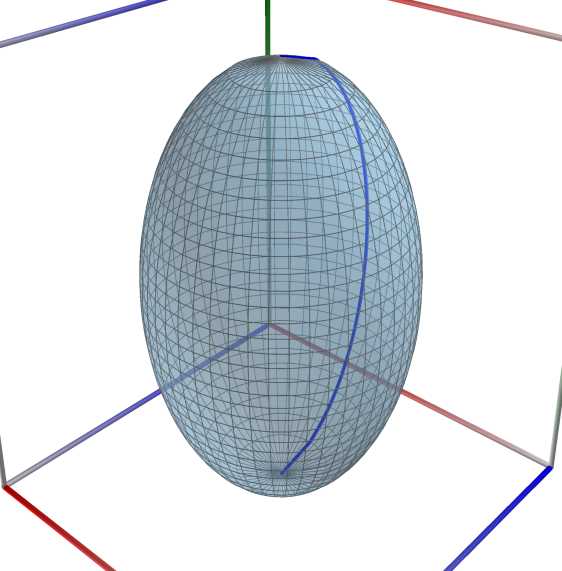
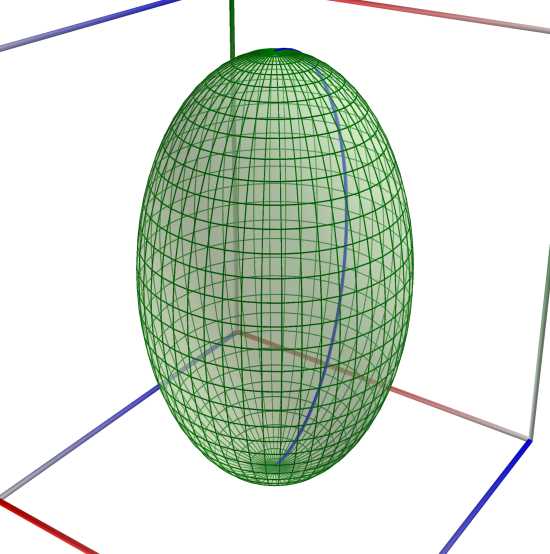
Left figure: Prolate Spheroid.
Right figure: Prolate Spheroid via Sqrt.
Oblate Spheroid#
- User.OblateSpheroid(a, Resolution, Revolution=true)#
See also: http://paulbourke.net/geometry/spherical/ prolate spheroid, or ellipsoid of revolution See also: https://en.wikipedia.org/wiki/Ellipsoid#Parameterization ellipsoid of revolution See also: https://mathworld.wolfram.com/OblateSpheroid.html Oblate Spheroid
 \(\quad\)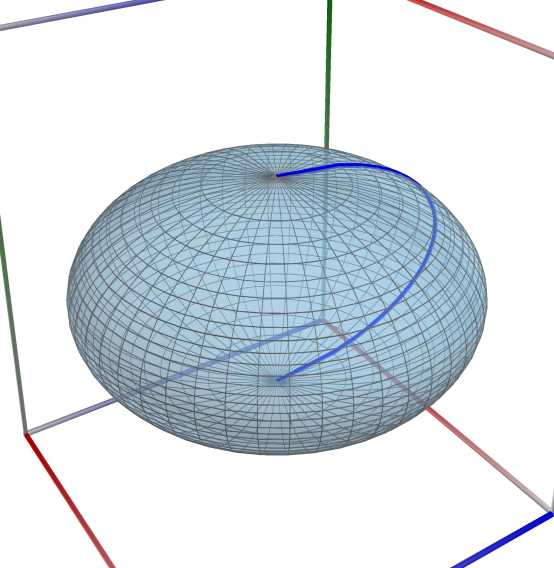
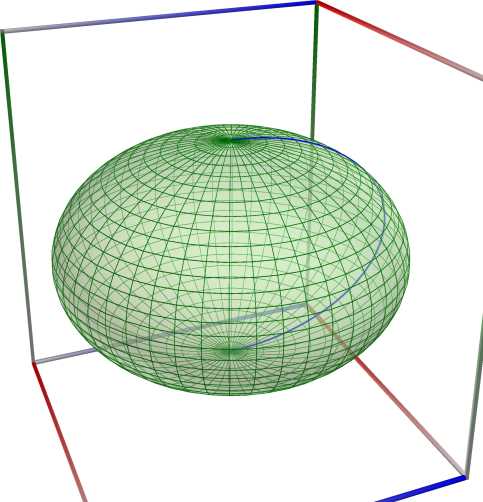
Left figure: Prolate Spheroid.
Right figure: Prolate Spheroid via Sqrt.
Drop surface#
// see http://www.3d-meier.de/tut3/Seite44.html
An example in Python
>>> from mpfebnet import User
>>> Curve = User.Cardioid(a = 1, Resolution = 200, AsPolar = true)
>>> User.Chart2D.Show(Curve, Template = 'PolarCurve', Title = 'Cardioid')
An example in C#
using User;
Curve = User.Cardioid(a: 1, Resolution: 200, AsPolar: true);
User.Chart2D.Show(Curve, Template = "PolarCurve", Title = "Cardioid");
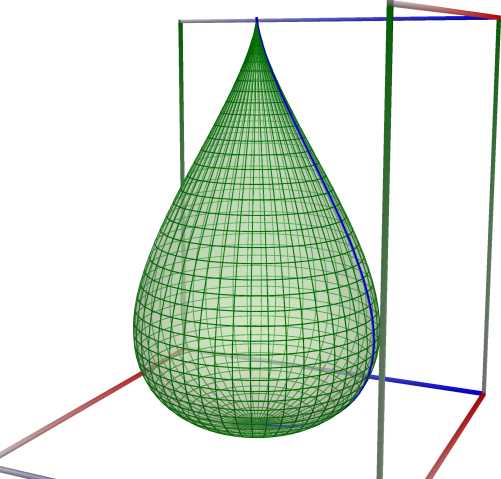
Left figure: Drop surface
Apple surface#
Examples in Bourke, towards the end of the page
// see http://www.3d-meier.de/tut3/Seite54.html
https://paulbourke.net/geometry/spherical/
For the apple surface, also see Meier
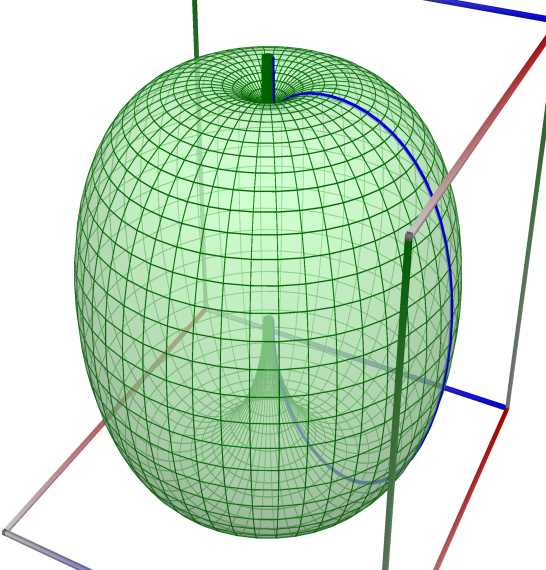
Left figure: Apple surface
Spinning top#
- User.SpinningTop(a, Resolution, Revolution=true)#
See also http://www.3d-meier.de/tut3/Seite150.html Kreisel
See also Wikipedia [1484], MathWorld [1160].
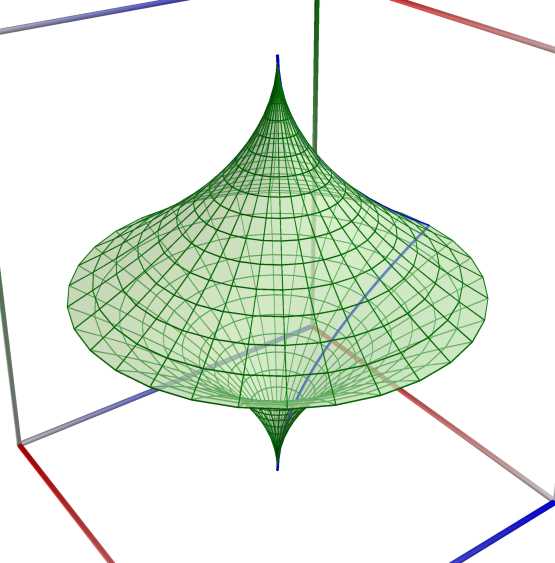
Left figure: Spinning top
Pseudosphere#
- User.Pseudosphere(a, Resolution, Revolution=true)#
See also: https://mathworld.wolfram.com/Pseudosphere.html
// see http://www.3d-meier.de/tut3/Seite28.html
An example in Python
>>> from mpfebnet import User
>>> Curve = User.Cardioid(a = 1, Resolution = 200, AsPolar = true)
>>> User.Chart2D.Show(Curve, Template = 'PolarCurve', Title = 'Cardioid')
An example in C#
using User;
Curve = User.Cardioid(a: 1, Resolution: 200, AsPolar: true);
User.Chart2D.Show(Curve, Template = "PolarCurve", Title = "Cardioid");
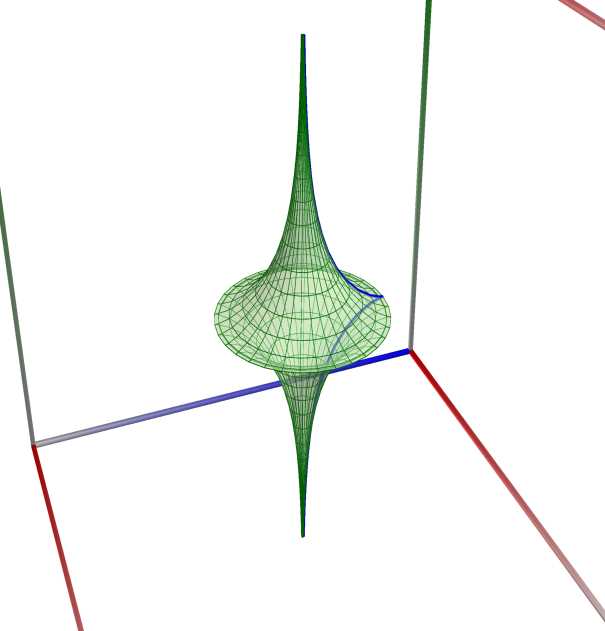 \(\quad\)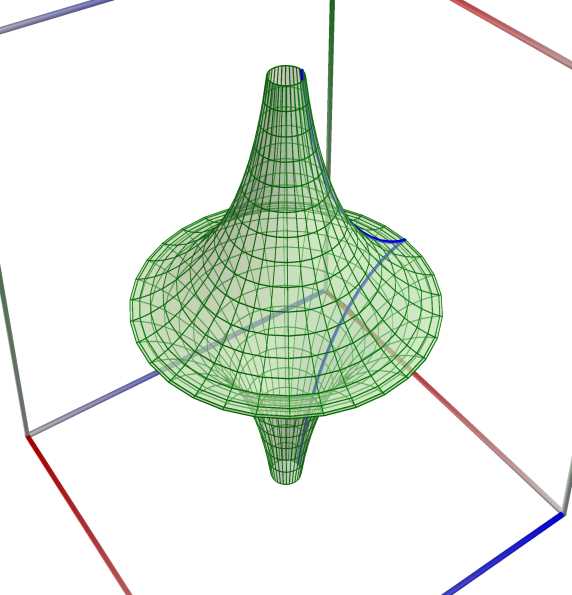
Left figure: Pseudosphere
Right figure: Pseudosphere
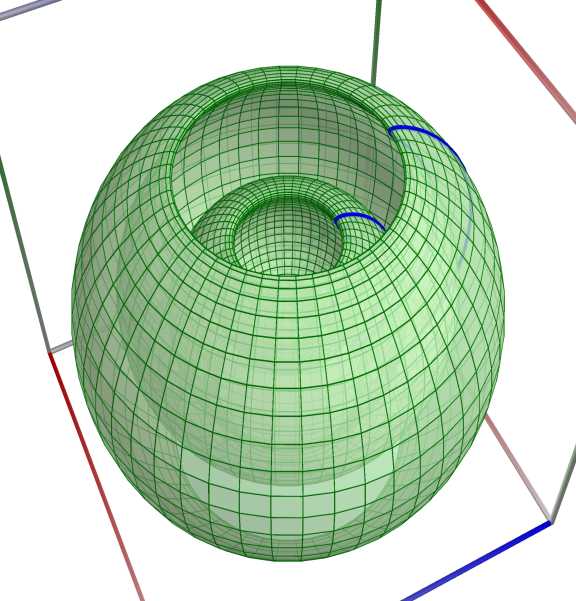
Wave sphere Surface#
// see http://www.3d-meier.de/tut3/Seite63.html
 \(\quad\)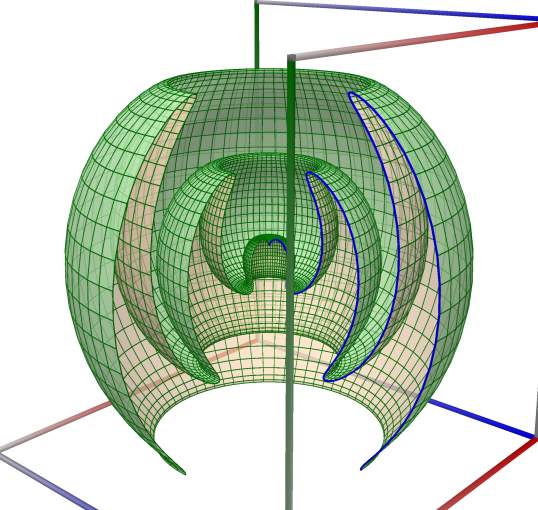
Left figure: Wave sphere Surface
Right figure: Wave sphere Surface
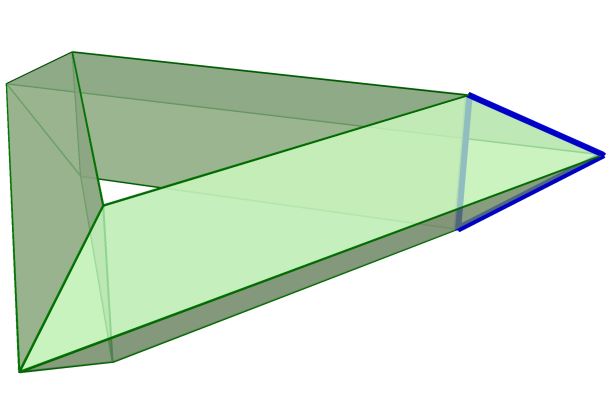
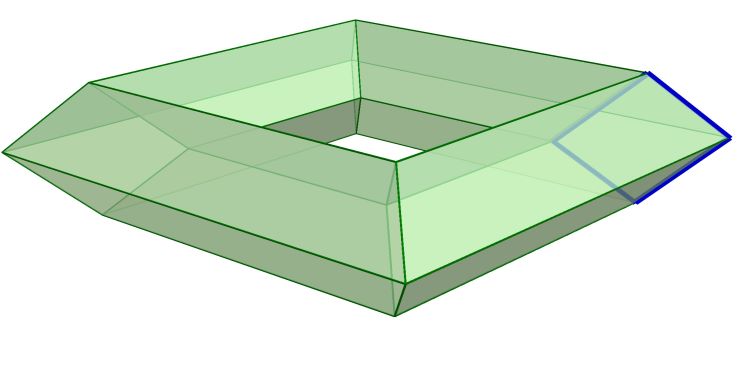
Low resolution torus surface, part1#
// see https://mathworld.wolfram.com/Torus.html
See also Wikipedia [1484], MathWorld [1160].
 \(\quad\)
  \(\quad\)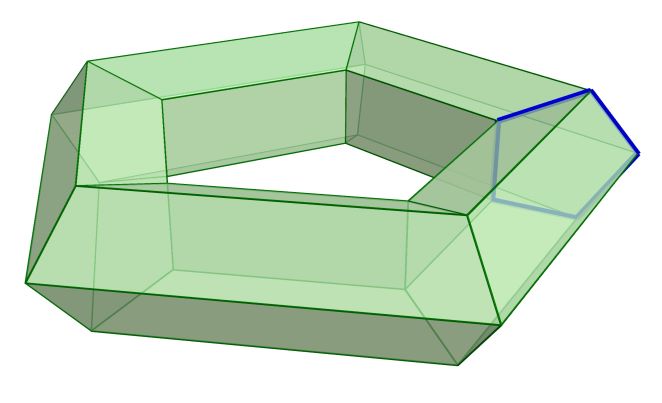
Left figure: Low resolution torus surface, part1
Middle figure: Low resolution torus surface, part1
Right figure: Low resolution torus surface, part1
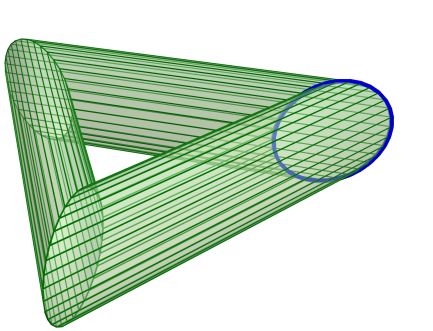
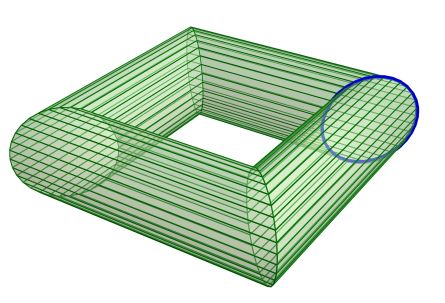
Low resolution torus surface, part2#
See also: http://www.3d-meier.de/tut3/Seite165.html
See also Wikipedia [1484], MathWorld [1160].
 \(\quad\)
  \(\quad\)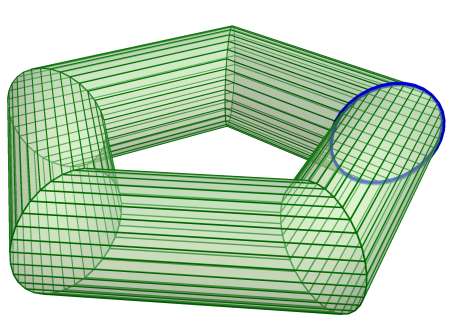
Left figure: Low resolution torus surface, part1
Middle figure: Low resolution torus surface, part1
Right figure: Low resolution torus surface, part1
Low resolution torus surface, part3#
See also: http://www.3d-meier.de/tut3/Seite165.html
See also Wikipedia [1484], MathWorld [1160].
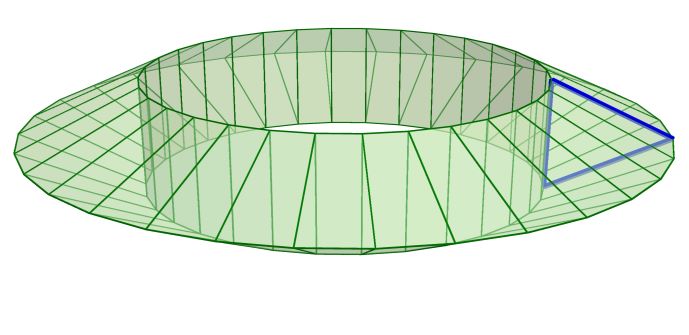 \(\quad\)
 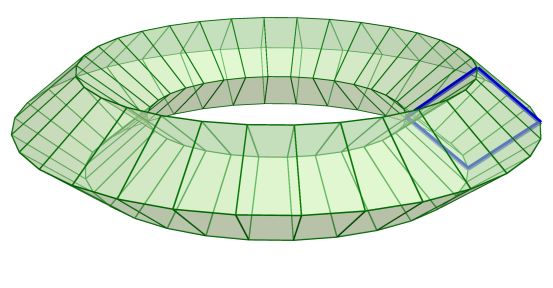 \(\quad\)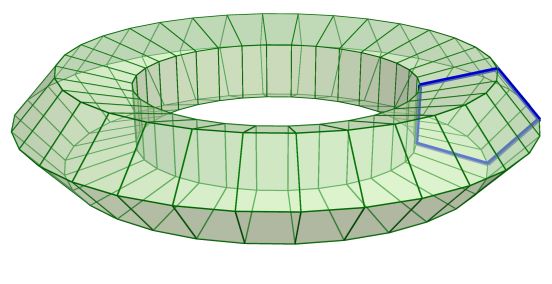
Left figure: Low resolution torus surface, part1
Middle figure: Low resolution torus surface, part1
Right figure: Low resolution torus surface, part1
Torus#
- User.Torus(a, Resolution, Revolution=true)#
See also Wikipedia [1484], MathWorld [1160].
An example in Python
>>> from mpfebnet import User
>>> Curve = User.Cardioid(a = 1, Resolution = 200, AsPolar = true)
>>> User.Chart2D.Show(Curve, Template = 'PolarCurve', Title = 'Cardioid')
An example in C#
using User;
Curve = User.Cardioid(a: 1, Resolution: 200, AsPolar: true);
User.Chart2D.Show(Curve, Template = "PolarCurve", Title = "Cardioid");
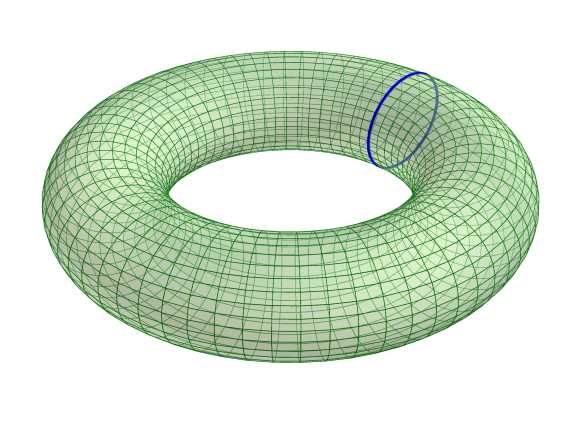 \(\quad\)
  \(\quad\)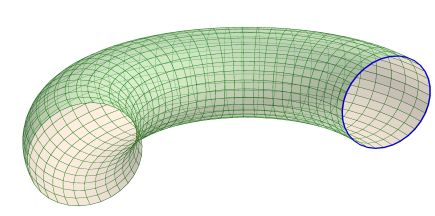
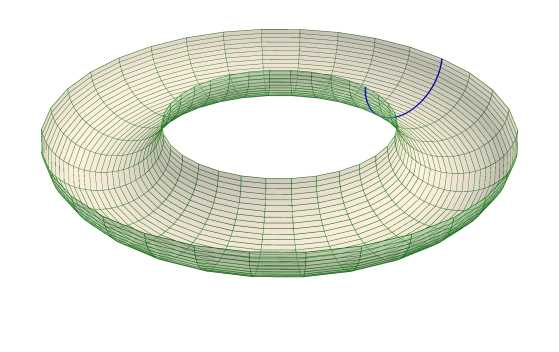
Left figure: Torus
Middle figure: Torus
Right figure: Torus
Horn Torus#
See also Wikipedia [1484], MathWorld [1160].
An example in Python
>>> from mpfebnet import User
>>> Curve = User.Cardioid(a = 1, Resolution = 200, AsPolar = true)
>>> User.Chart2D.Show(Curve, Template = 'PolarCurve', Title = 'Cardioid')
An example in C#
using User;
Curve = User.Cardioid(a: 1, Resolution: 200, AsPolar: true);
User.Chart2D.Show(Curve, Template = "PolarCurve", Title = "Cardioid");
 \(\quad\)
  \(\quad\)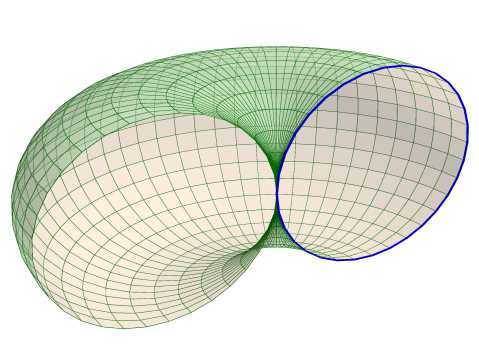
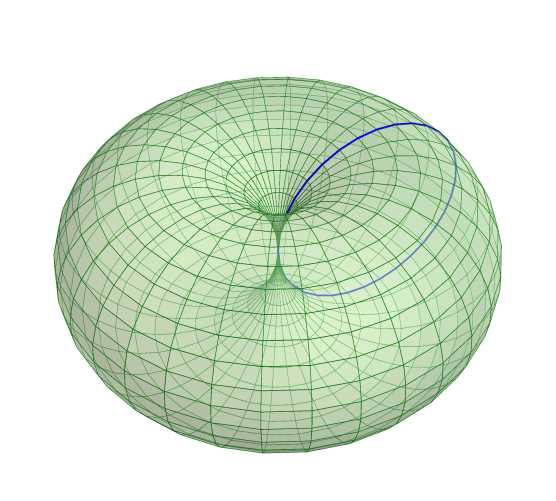
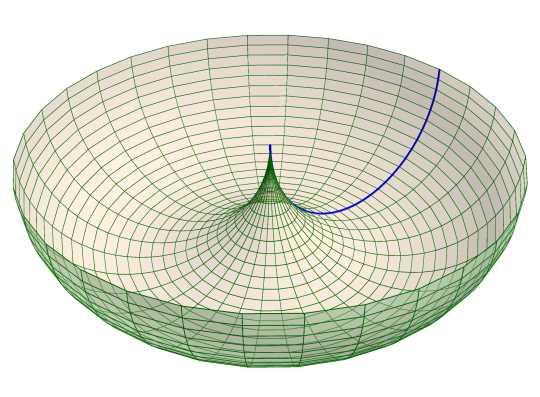
Left figure: Horn Torus
Middle figure: Horn Torus
Right figure: Horn Torus
Spindle Torus#
See also: https://mathworld.wolfram.com/EllipticTorus.html
See also Wikipedia [1484], MathWorld [1160].
An example in Python
>>> from mpfebnet import User
>>> Curve = User.Cardioid(a = 1, Resolution = 200, AsPolar = true)
>>> User.Chart2D.Show(Curve, Template = 'PolarCurve', Title = 'Cardioid')
An example in C#
using User;
Curve = User.Cardioid(a: 1, Resolution: 200, AsPolar: true);
User.Chart2D.Show(Curve, Template = "PolarCurve", Title = "Cardioid");
 \(\quad\)
  \(\quad\)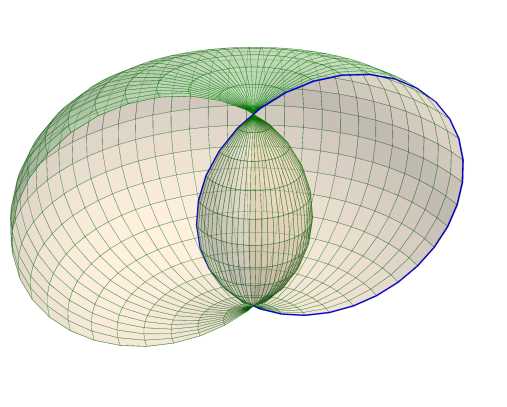
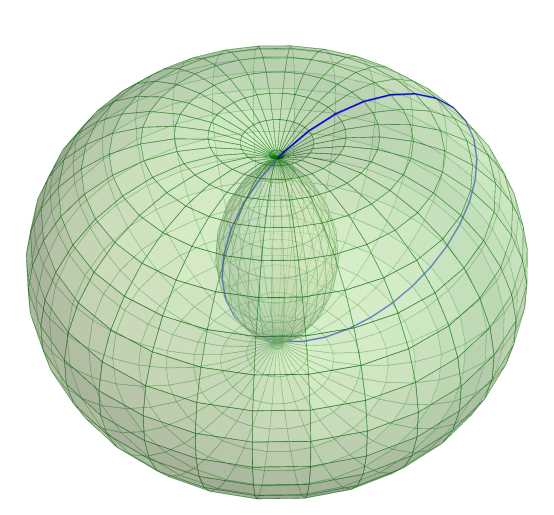
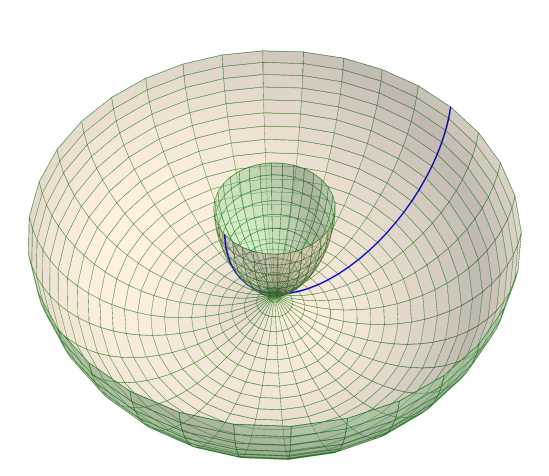
Left figure: Spindle Torus
Middle figure: Spindle Torus
Right figure: Spindle Torus
Elliptic Torus#
- User.EllipticTorus(a, Resolution, Revolution=true)#
See also: https://mathworld.wolfram.com/EllipticTorus.html
See also Wikipedia [1484], MathWorld [1160].
An example in Python
>>> from mpfebnet import User
>>> Curve = User.Cardioid(a = 1, Resolution = 200, AsPolar = true)
>>> User.Chart2D.Show(Curve, Template = 'PolarCurve', Title = 'Cardioid')
An example in C#
using User;
Curve = User.Cardioid(a: 1, Resolution: 200, AsPolar: true);
User.Chart2D.Show(Curve, Template = "PolarCurve", Title = "Cardioid");
 \(\quad\)
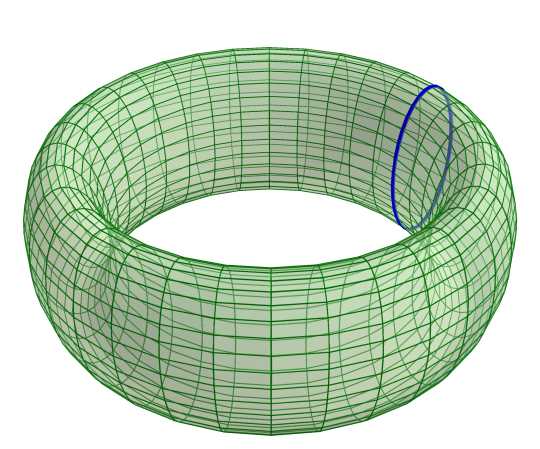
Left figure: Spindle Torus
Right figure: Spindle Torus